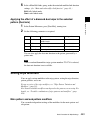
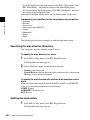
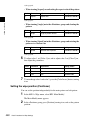
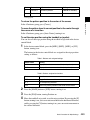
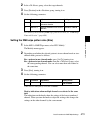
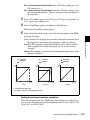
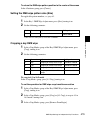
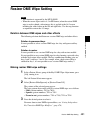
1
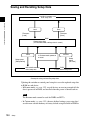
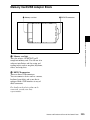
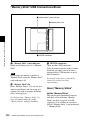
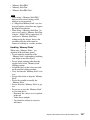
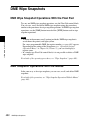
For details, see “Interfacing With External Devices (Device Interface Menu)”
in Chapter 16 (Volume 2).
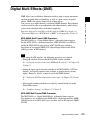
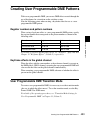
Assigning a DME to a key
1
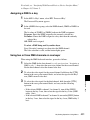
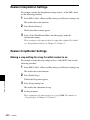
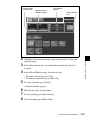
In the M/E-1 >Key1 menu, select HF5 ‘Processed Key.’
The Processed Key menu appears.
2
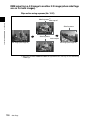
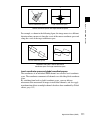
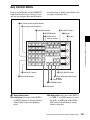
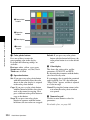
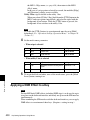
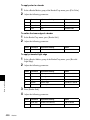
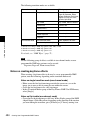
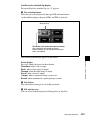
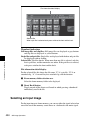
In the <DME Select> group, select the DME channel (DME1 to DME8) to
be used.
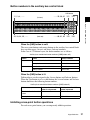
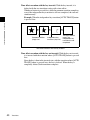
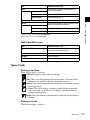
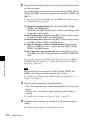
The lit colors of [DME1] to [DME8] indicate the DME assignment.
Lit green: Shows the DME assigned to the currently selected key.
Lit amber: Shows the DME assigned to a key other than the currently
selected key.
Off: DME is not assigned.
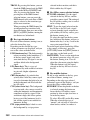
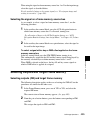
To select a DME being used by another keyer
Press [Override], turning it on, then select the DME channel.
The later selection is valid, and the button lights green.
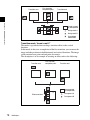
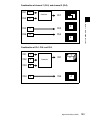
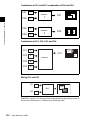
Using two or three DME channels on one keyer
When using the DME dedicated interface, proceed as follows.
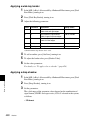
1
2
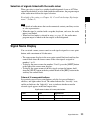
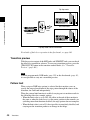
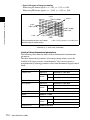
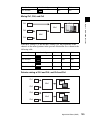
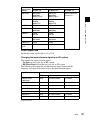
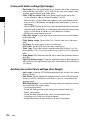
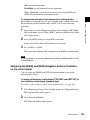
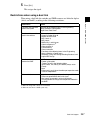
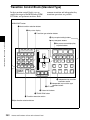
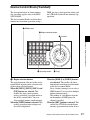
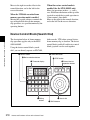
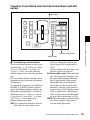
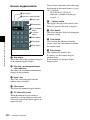
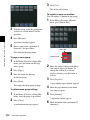
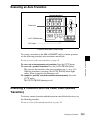
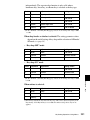
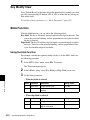
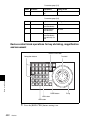
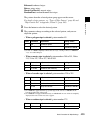
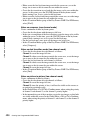
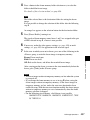
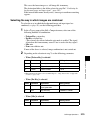
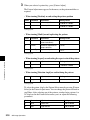
To select the video signal for the second channel, hold down the [UTIL]
button in the cross-point control block, and select the signal in the Key1
row (DME external video bus).
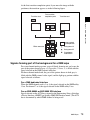
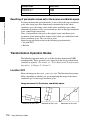
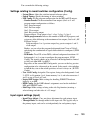
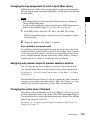
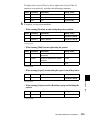
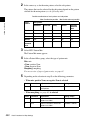
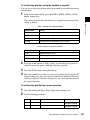
To select the video signal for the third channel, hold down the [UTIL]
button in the cross-point control block, and carry out the following
operation.
Chapter 4 Keys
3
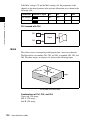
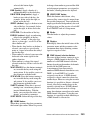
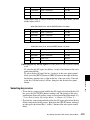
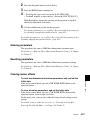
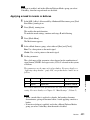
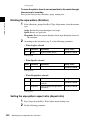
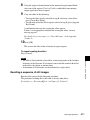
Select the DME for the first channel (see the previous item, “Assigning a
DME to a key”), then select the successive channel for the second channel.
For the third channel select the channel after that.
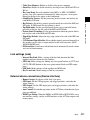
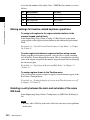
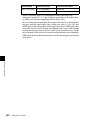
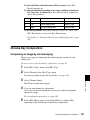
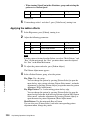
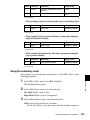
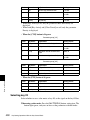
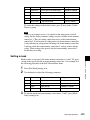
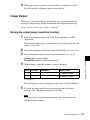
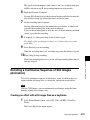
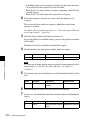
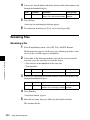
• If the selected DME is channel 3 or channel 4, turn off the [KEY4]
button in the key 2 row, then select the signal in the key 2 row (DME
utility 1 bus).
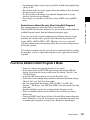
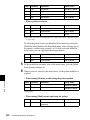
• If the selected DME is channel 7 or channel 8, turn on the [KEY4] button
in the key 2 row, then select the signal in the key 4 row (DME utility 2
bus).
Key Setting Operations Using Menus
401