1
Auto-eMail Configuration
Auto-eMail Configuration
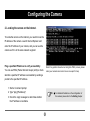
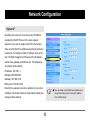
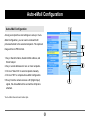
As long as recipient's e-mail settings are set up in AutoeMail Configuration, you can send e-mails with still
pictures attached to the selected recipients. The captured
image will be in JPEG format.
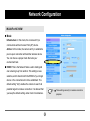
1. Key in Sender's Name, Sender's Mail address, and
Email Subject.
2. Key in e-mail addresses for one or more recipients.
3. Click on "Select All" or select recipients manually.
4. Click on "OK" to complete Auto-eMail Configuration.
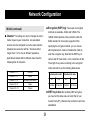
5. Every time the camera receives a DI (Digital Input)
signal, this Auto-eMail will be sent with a still picture
attached.
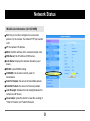
*Auto-eMail does not send video clips.
33