1
© TrackPro, 2015
Audit Trail
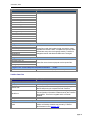
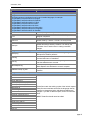
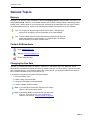
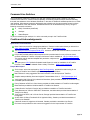
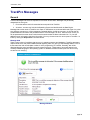
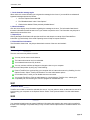
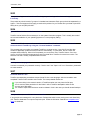
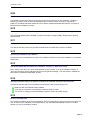
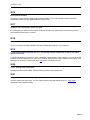
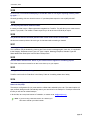
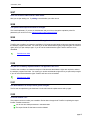
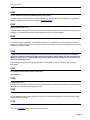
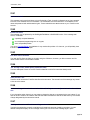
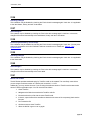
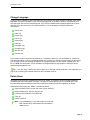
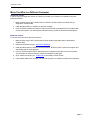
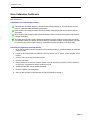
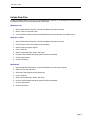
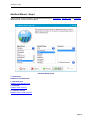
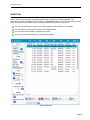
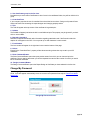
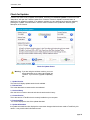
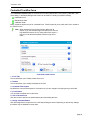
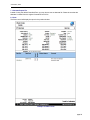
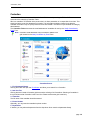
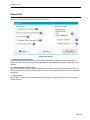
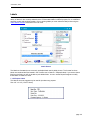
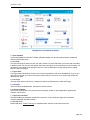
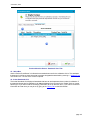
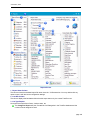
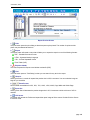
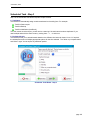
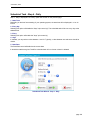
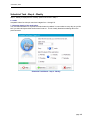
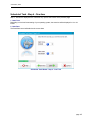
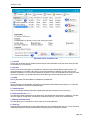
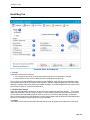
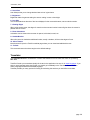
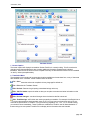
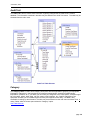
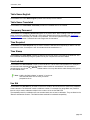
The Audit Trail Screen is accessed from the Main Tools Menu or by entering ALT+T+A. The Audit Trail
table is used to store information regarding changes that are made to the TrackPro database. The
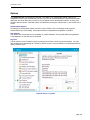
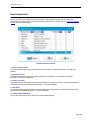
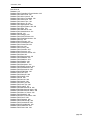
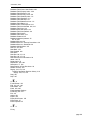
information contained in the table may be viewed on the Audit Trail Screen. The Audit Trail Screen is shown
below. Several tools are provided to help you locate the record(s) that you may want to find.
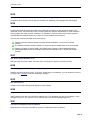
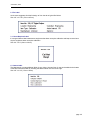
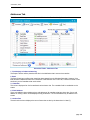
You may limit the actions to be shown by clicking Deletions, Edits, Additions, or Undeletes.
You may display record(s) from all tables or from selected tables.
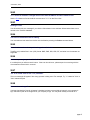
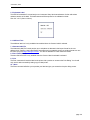
You can show records related to a specific item number.
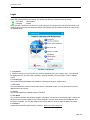
You can limit the records displayed by entering limiting dates.
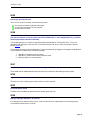
Audit Trail Screen
page 85