1
Implementing a Basic Configuration
Assigning an IP address
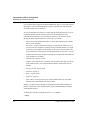
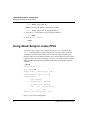
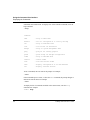
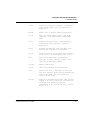
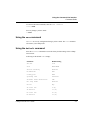
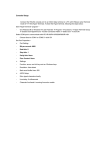
The following display appears on your VT100 terminal:
Command:
adsl
- entry to ADSL menu
default
- set all configuration to factory setting
lan
- entry to Ethernet menu
list
- list status for enabled VC
manage
- entry to system management menu
ping
- ping IP for testing purpose
quick
- quick setup for bridge configuration
r1483
- entry to RFC1483 menu
restart
- reboot modem
save
- save and restart modem
show
- display configuration of VC and Ethernet
ver
- display software version
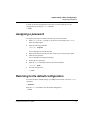
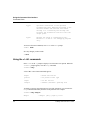
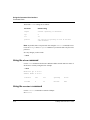
Assigning an IP address
You must assign the CellPipe unit an IP address if you want to access the unit through
your LAN. Once you assign the IP address, you can access the unit’s interface
through Telnet, and you no longer need the serial connection described in "Serial
cable" on page 2-4. To assign the unit an IP address, proceed as follows:
1
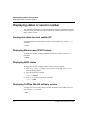
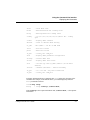
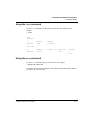
Enter lan at the >> prompt. If you do not see the prompt, enter home to make
the prompt appear.
>>lan
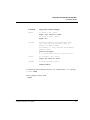
2
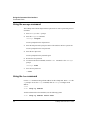
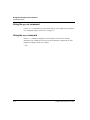
Enter the following command:
>lan> setip ip address
whereip address is the Ethernet IP address you assign the unit. For example:
CellPipe 20A-GX User’s Guide
3-3