1
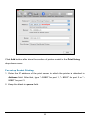
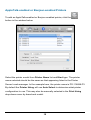
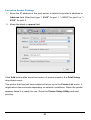
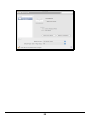
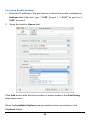
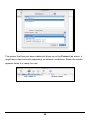
For set up Socket Printing:
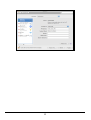
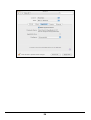
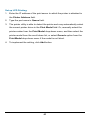
1. Enter the IP address of the print server to which the printer is attached in
Address field. After that, type “: 9100” for port 1, “: 9101” for port 2 or “:
9102” for port 3.
2. Keep the blank in queue field.
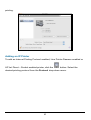
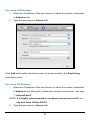
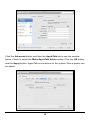
Click Add button after done the section of printer model in the Print Using
drop-down menu.
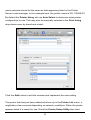
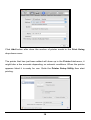
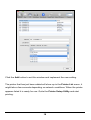
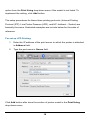
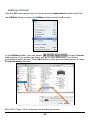
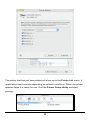
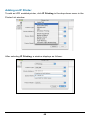
The printer that has just been added will show up in the Printer List menu, it
might take a few seconds depending on network conditions. When the printer
appears listed it is ready for use. Quite the Printer Setup Utility and start
printing.
21