1
SoftConsole User Guide
Call Details Panel
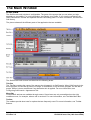
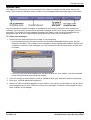
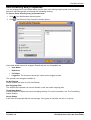
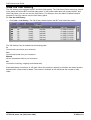
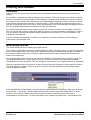
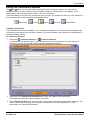
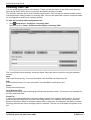
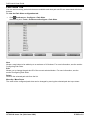
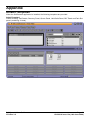
The Call Details panel contains a side-by-side display of current call information. A slider positioned
between the two panels allows the operator to adjust the size of the panels as required.
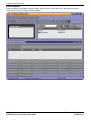
The panel on the left contains details about the current or calls. When a single call is in progress, either
ringing or connected, it contains details of that call.
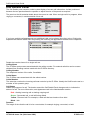
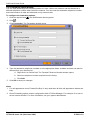
If you have multiple call appearances set, additional calls can be shown when they arrive. Clicking the
separate calls has the same effect as pressing the matching call appearance buttons on the telephone.
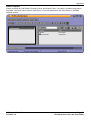
Details that can be shown for a single call are:
Calling Name
The IP Office system name associated with the calling number. For external calls this can be a name
obtained from a calling number match with the IP Office directory.
Calling Number
The telephone number of the caller, if available.
Called Name
The IP Office name associated with the called number.
Called Number
The extension number the incoming call was routed to by the IP Office. Usually the SoftConsole user is a
member of this operator group.
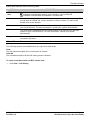
Call Status
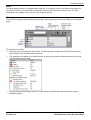
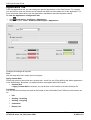
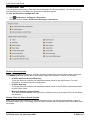
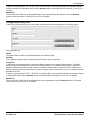
States the progress of a call. The border around the Call Details Panel changes color to indicate the
status of a call. For more information, see Appearance tab in the Administration section.
Red - Alerting incoming call or alerting outgoing call.
Green - Connected call, or call still being dialed.
Yellow - Returned call. For example, a held call that has timed out from hold.
Black - Idle.
Duration
The length of time that the call is in its current state, for example ringing, connected, or held.
Page 8
15-601016 Issue 12a (14th June 2006)
SoftConsole User Guide
IP Office 3.2