1
Magnum 6K32T & 6K32TRC Managed Switch
5.1
Installation and User Guide 05/07)
Inspecting the Package and Product
This section applies only to PMs shipped as separate items, i.e., 6K32T &
6K32TRC PMs not factory installed in a Magnum 6K32T & 6K32TRC
modular slot.
Examine the shipping container for obvious damage prior to
installing a 6K32T & 6K32TRC PM; notify the carrier of any damage you
believe occurred during shipment or delivery. Inspect the contents of this
package for any signs of damage and ensure that the items listed below are
included.
This package should contain:
6K32T & 6K32TRC PMs
Installation instructions, with illustrations
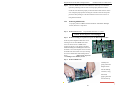
Remove the 6K32T & 6K32TRC PM(s) from the shipping container.
Be sure to keep the shipping container should you need to ship any of the PMs
separately at a later date. In the event there are items missing or damaged,
contact your supplier. If you need to return the unit, use the original shipping
container if possible. Refer to Chapter 5 for specific return procedures.
5.2
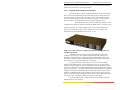
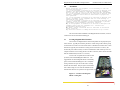
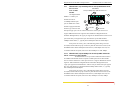
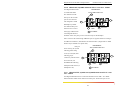
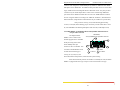
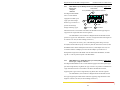
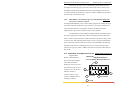
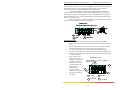
6KPM Module Description
An important feature of the Magnum 6K32T & 6K32TRC is the use
of one Port Modules for flexible mixed-media connectivity to RJ-45 and fiber
media in the modular slot. Since the Magnum 6K32T & 6K32TRC Switches
have dual-speed capability for copper ports, the 6 or 8-port interfaces are
designed to support all standard Ethernet media types at 10 or 100Mps speed.
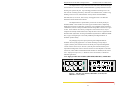
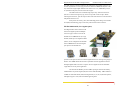
Each 6K32T & 6K32TRC PM can provide two, four, six or eight ports for
connecting Ethernet segments with its individual connector type and media.
For a list of 6K32T & 6K32TRC Port Module types, refer to Section 1.2
Each 6K PM is individually described in the following sections.
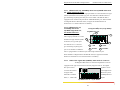
NOTE: The port #1 on the RJ-45 ports on all the modules, either all
RJ-45 ports or used for COMBO module is set as (=) as other ports.
www . GarrettCom . com
50