1
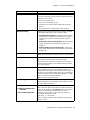
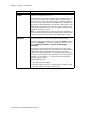
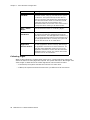
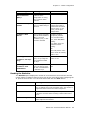
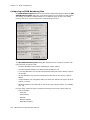
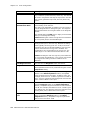
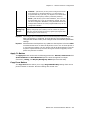
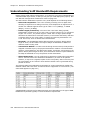
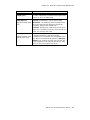
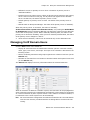
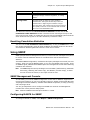
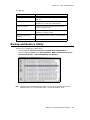
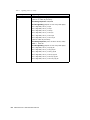
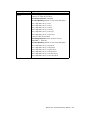
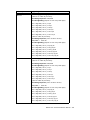
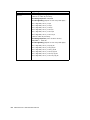
Country
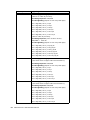
Signaling Values
Venezuela / Nacional
MFC-R2
Set calling part category: 1
[Assume no caller ID provided]:
Incoming sequence: DID/DNIS
In-call signaling (depend on how many DID digits):
For 3-digit DID, set to (113)6
For 4-digit DID, set to (1113)6
For 5-digit DID, set to (11113)6
For 6-digit DID, set to (111113)6
For 7-digit DID, set to (1111113)6
For 8-digit DID, set to (11111113)6
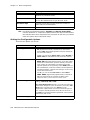
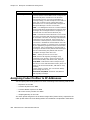
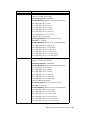
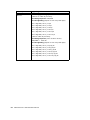
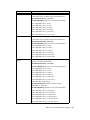
[Assume caller ID provided]:
Incoming sequence (same as above shown):
DID/DNIS * Caller ID
In-call signaling (depend on how many DID digits) :
For 3-digit DID, set to (115)*(K)36
For 4-digit DID, set to (1115)*(K)36
For 5-digit DID, set to (11115)*(K)36
For 6-digit DID, set to (111115)*(K)36
For 7-digit DID, set to (1111115)*(K)36
For 8-digit DID, set to (11111115)*(K)36
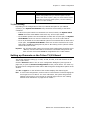
E1 ISDN PRI Installation
This section describes the configuration procedures necessary to implement E1 ISDN PRI
signaling for European, Pacific Rim, and other emerging markets. Please carefully follow
the procedures step by step.
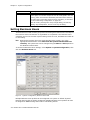
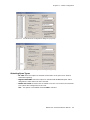
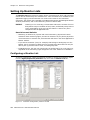
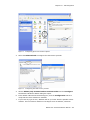
1.
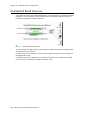
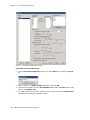
Change the Configure Type to E1:
a.
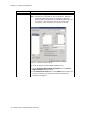
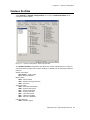
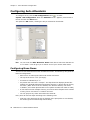
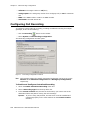
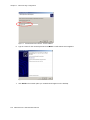
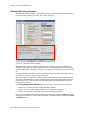
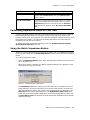
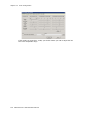
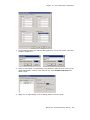
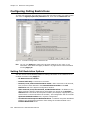
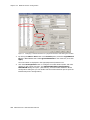
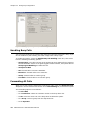
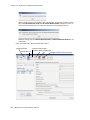
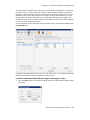
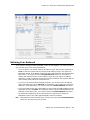
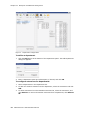
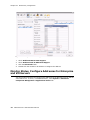
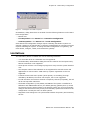
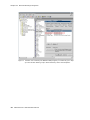
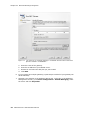
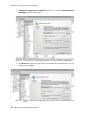
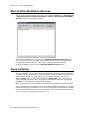
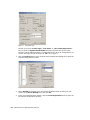
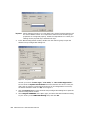
From Boards view, double-click the board to be configured to open the Board
Configuration window.
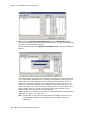
b.
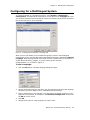
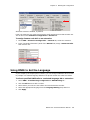
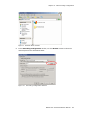
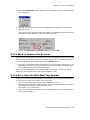
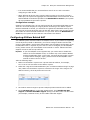
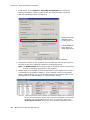
In the Board Configuration window, click the Board Configuration button.
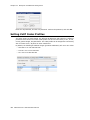
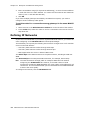
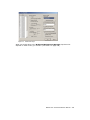
c.
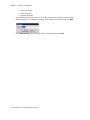
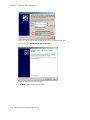
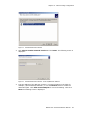
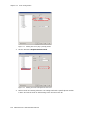
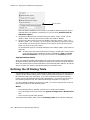
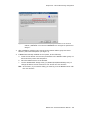
In the next Board Configuration window, select E1 as the configure type, and
click OK.
MAXCS ACC 6.5 Administration Manual
437