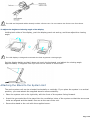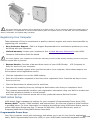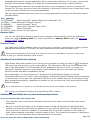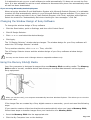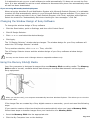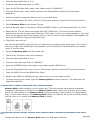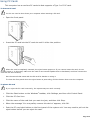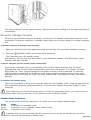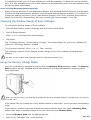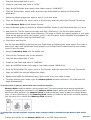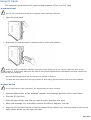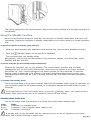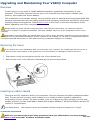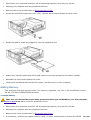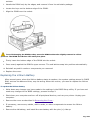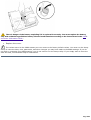
1
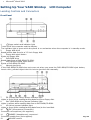
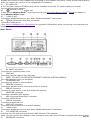
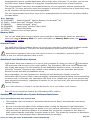
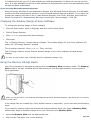
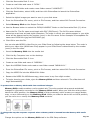
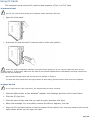
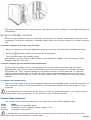
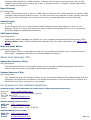
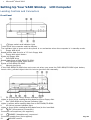
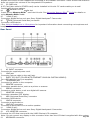
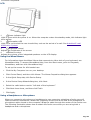
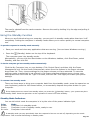
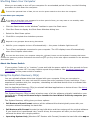
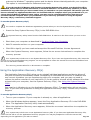
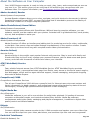
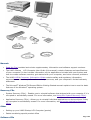
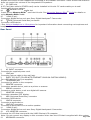
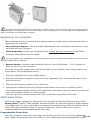
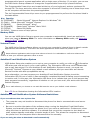
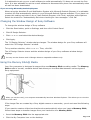
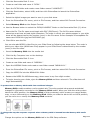
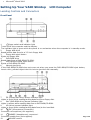
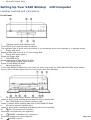
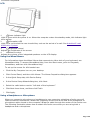
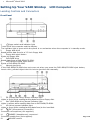
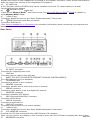
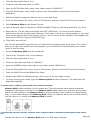
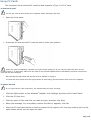
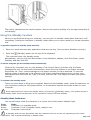
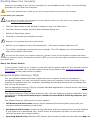
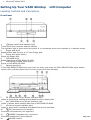
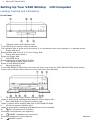
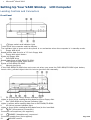
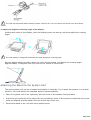
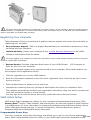
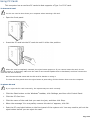
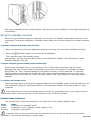
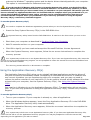
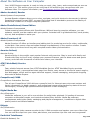
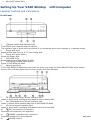
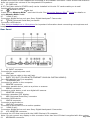
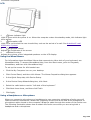
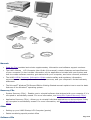
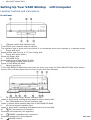
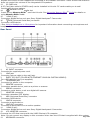
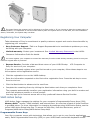
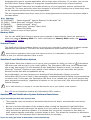
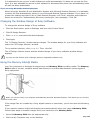
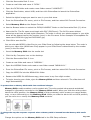
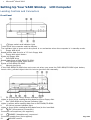
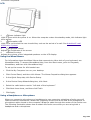
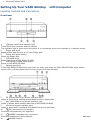
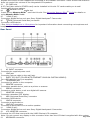
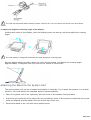
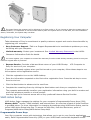
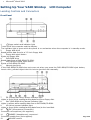
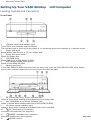
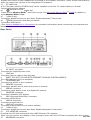
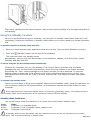
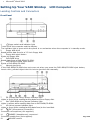
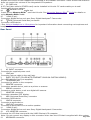
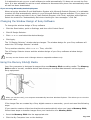
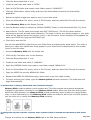
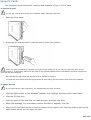
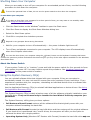
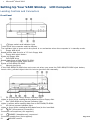
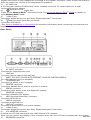
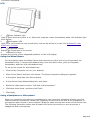
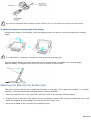
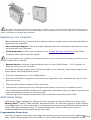
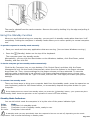
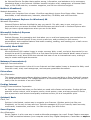
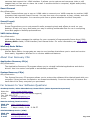
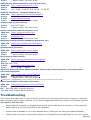
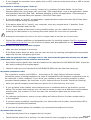
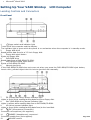
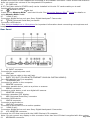
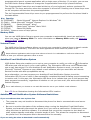
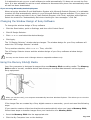
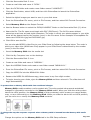
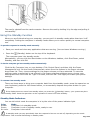
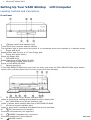
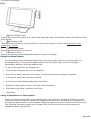
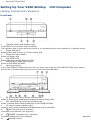
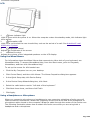
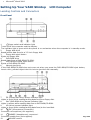
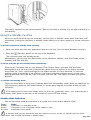
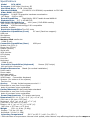
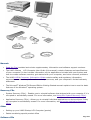
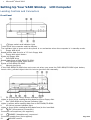
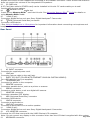
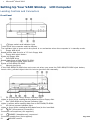
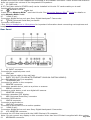
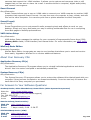
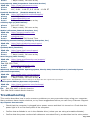
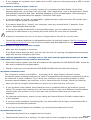
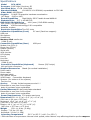
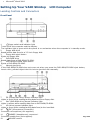
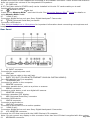
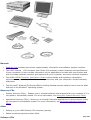
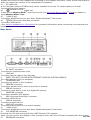
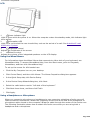
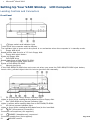
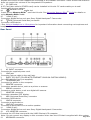
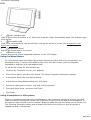
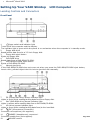
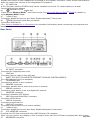
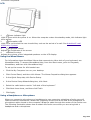
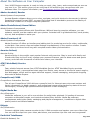
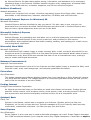
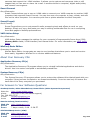
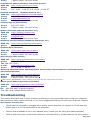
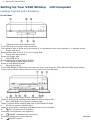
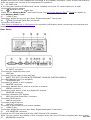
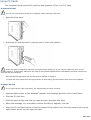
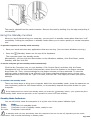
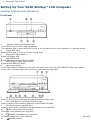
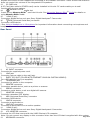
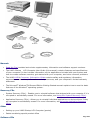
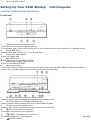
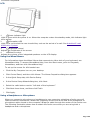
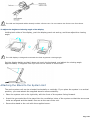
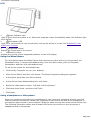
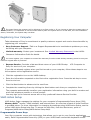
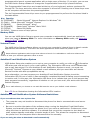
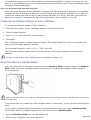
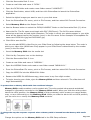
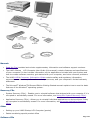
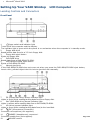
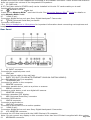
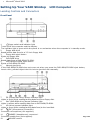
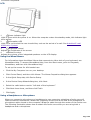
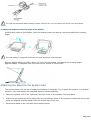
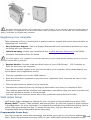
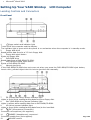
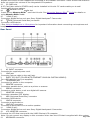
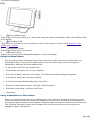
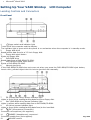
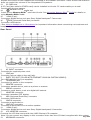
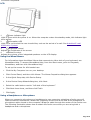
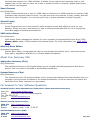
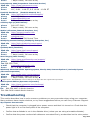
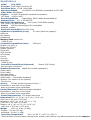
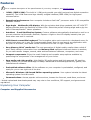
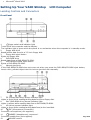
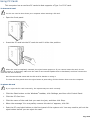
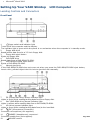
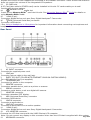
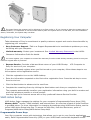
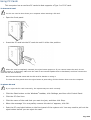
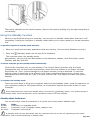
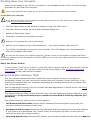
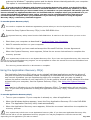
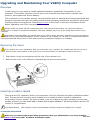
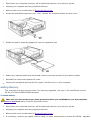
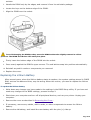
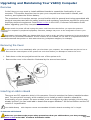
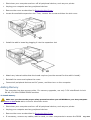
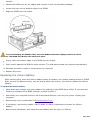
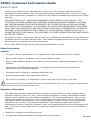
Microsoft® Word 2000 Setting Up Your VAIO Slimtop LCD Computer Locating Controls and Connectors Front Panel 1 Power switch and indicator light Turns on/off the computer and the display. The indicator light is green while the power is on and amber when the computer is in standby mode. 2 Floppy disk drive Reads/writes data from/to a 3.5-inch floppy disk. 3 Floppy disk eject button Ejects the floppy disk. 4 DVD-ROM drive Reads data from a DVD-ROM/CD-ROM. 5 DVD-ROM/CD-ROM eject button Ejects a DVD-ROM/CD-ROM. 6 Manual eject hole If the DVD-ROM/CD-ROM does not come out when you press the DVD-ROM/CD-ROM eject button, insert a thin, pointed object into this hole to eject the disc manually. 7 FD (Floppy disk drive) access indicator light Lights in green while reading/writing data from/to a floppy disk. 8 Disc (DVD-ROM drive) access indicator light Lights in amber while reading data from a DVD-ROM/CD-ROM. 9 HD (drive) access indicator light Lights in green while reading/writing data from/to the hard disk. 10 MIC (Microphone) connector* Connects a microphone (not supplied). 11 PHONES (Headphones) connector* Connects headphones (not supplied). 12 VOLUME control Page 456