1
228 Working with the User object
Adding a user
Adding virtual users
A virtual user is recognized only by Symantec Web Security. Virtual users can be
used in Symantec Web Security when users do not require system accounts.
Valuable network resources are not used to maintain unnecessary system
accounts, and virtual users do not have access to other parts of your network,
which minimizes the security risks associated with large numbers of system
accounts.
You can add one virtual user at a time, or you can create a simple text (.txt) file
that contains the necessary information on multiple users and submit the text file
to create multiple virtual users at once. To create a .txt file in most popular wordprocessing programs, use the Save As command and choose Text Only (.txt) as
the file type.
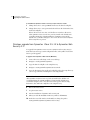
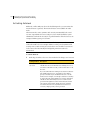
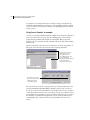
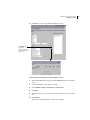
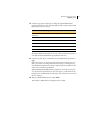
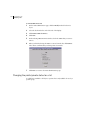
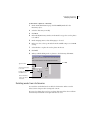
To add a virtual user
1
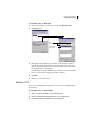
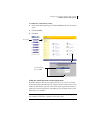
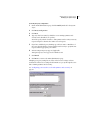
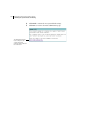
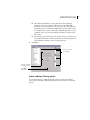
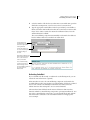
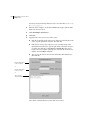
On the main administration page, click the Add method for the User object.
2
Click Add One Virtual User.
3
Click Next.
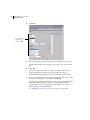
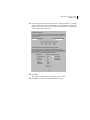
4
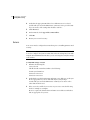
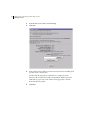
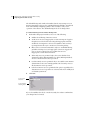
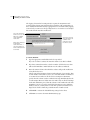
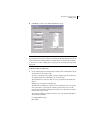
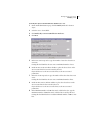
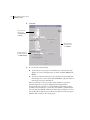
Type the user’s full name in the space provided.
5
Select a group for the user, if appropriate.
6
Specify a Symantec Web Security logon name and password, if appropriate.
If you do not specify an account name and password, the software generates
these for you.
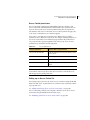
You cannot use the following characters in user account names: %, &, ^, !, #,
$, *, (, ), +, {, }, [, ], =.
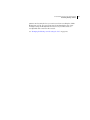
7
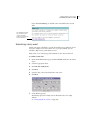
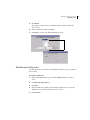
Click Add.
The software confirms creation of the new virtual user account.