1
n N
68
Connecting peripheral devices
Attaching your computer to the port replicator
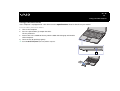
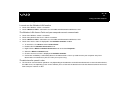
If your computer is equipped with a port replicator, proceed as follows :
1
Disconnect all peripherals from the computer.
2
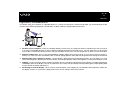
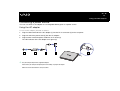
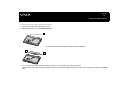
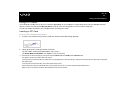
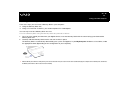
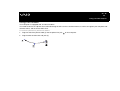
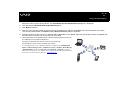
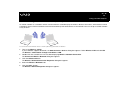
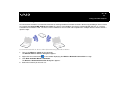
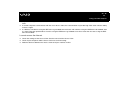
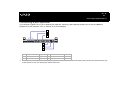
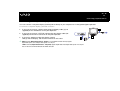
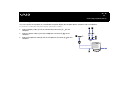
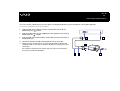
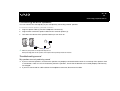
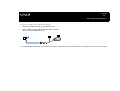
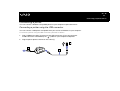
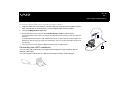
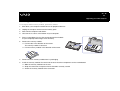
Plug the cable attached to the AC adapter (1) into the DC In port (2) on the port replicator (3).
3
Plug the power cord (4) into the AC adapter and an AC outlet.
4
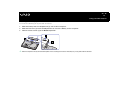
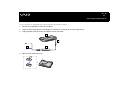
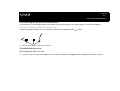
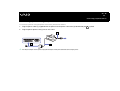
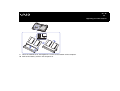
Open the port replicator cover.