1
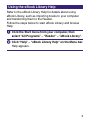
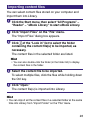
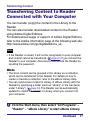
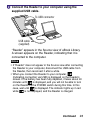
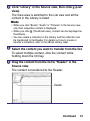
Using the eBook Library Help Refer to the eBook Library Help for details about using eBook Library, such as importing books to your computer and transferring them to the Reader. Follow the steps below to start eBook Library and browse Help. Click the Start menu from your computer, then select “All Programs” – “Reader” – “eBook Library”. Click “Help” – “eBook Library Help” on the Menu bar. Help appears.