1
Adjusting the picture
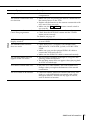
Adjusting the tracking
Although the VCR automatically adjusts the tracking when playing a tape
(the
indicator flashes in the display window, then goes off), distortion
may occur if the tape was recorded in poor condition. In this case, manually
adjust the tracking.
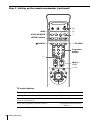
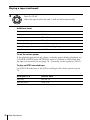
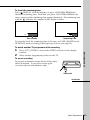
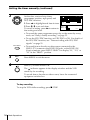
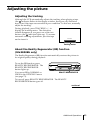
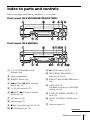
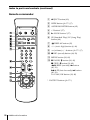
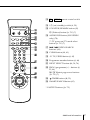
During playback, press TRACKING +/– to
display the tracking meter. The distortion
should disappear as you press one of the two
buttons (the
indicator lights up). To resume
automatic tracking adjustments, eject the tape
and re-insert it.
TRACKING
Tracking meter
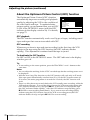
About the Reality Regenerator (RR) function
(SLV-SE50EG only)
The Reality Regenerator (RR) function automatically restores the picture to
its original quality during playback.
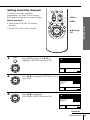
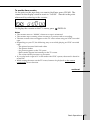
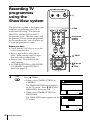
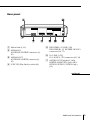
To use the RR function, press
REALITY REGENERATOR. The
REALITY REGENERATOR
button lights up.
You can set RR to NORMAL or
HIGH in the OPTIONS-2 menu
(see page 73).
REALITY REGENERATOR
To turn off, press REALITY REGENERATOR. The REALITY
REGENERATOR button goes off.
continued
Additional Operations
69