1
Chapter 4 Working with Debugger
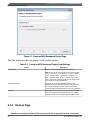
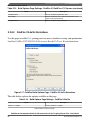
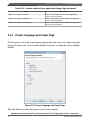
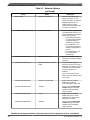
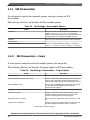
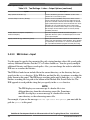
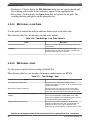
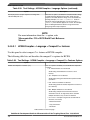
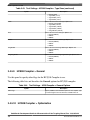
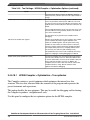
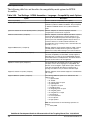
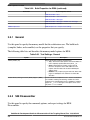
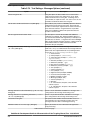
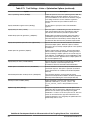
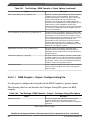
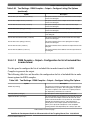
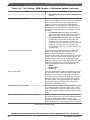
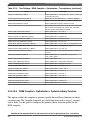
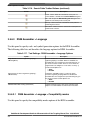
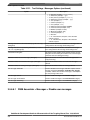
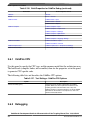
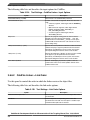
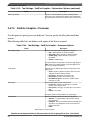
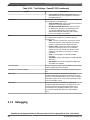
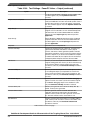
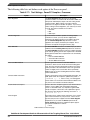
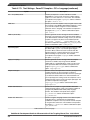
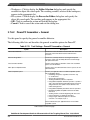
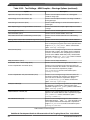
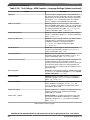
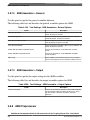
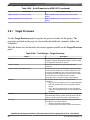
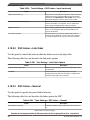
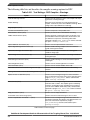
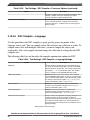
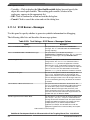
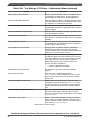
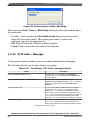
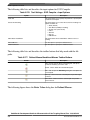
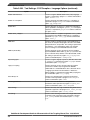
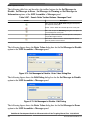
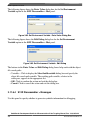
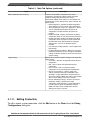
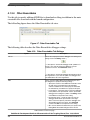
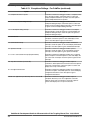
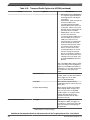
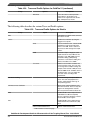
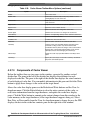
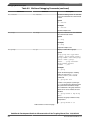
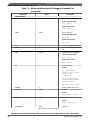
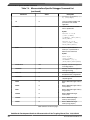
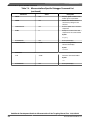
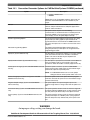
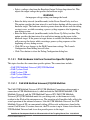
Table 4-10. Other Executables Tab Settings (continued)
Option
Description
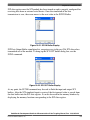
Change
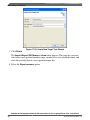
Click to open the Debug Other Executable dialog box. The
dialog box shows the current settings for the selected
executable file in the File list column. Change this information
as required and click OK to update the entry in the File list.
Remove
Click to remove the entry currently selected in the File list.
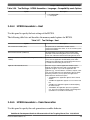
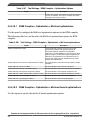
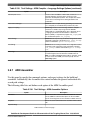
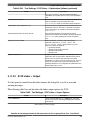
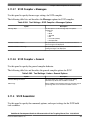
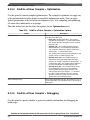
4.1.3.5 Symbolics
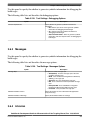
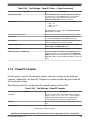
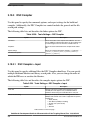
Use this tab to specify whether the debugger keeps symbolics in memory. Symbolics
represent an application's debugging and symbolic information. Keeping symbolics in
memory, known as caching symbolics, is beneficial when you debug a large-size
application.
Consider a situation in which the debugger loads symbolics for a large application, but
does not download content to a hardware device and the project uses custom makefiles
with several build steps to generate this application. In such a situation, caching
symbolics helps speed up the debugging process. The debugger uses the readily available
cached symbolics during subsequent debugging sessions. Otherwise, the debugger spends
significant time creating an in-memory representation of symbolics during subsequent
debugging sessions.
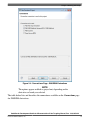
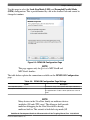
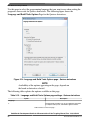
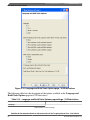
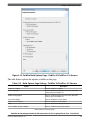
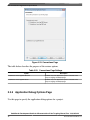
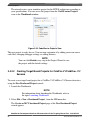
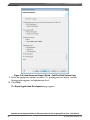
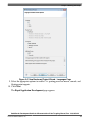
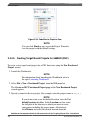
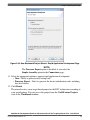
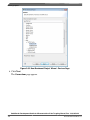
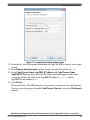
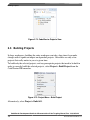
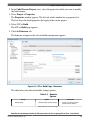
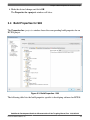
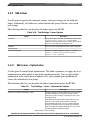
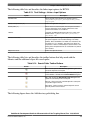
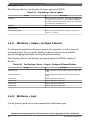
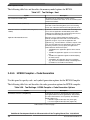
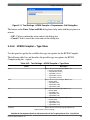
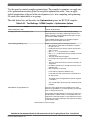
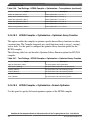
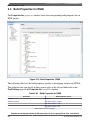
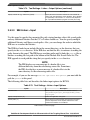
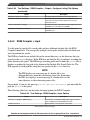
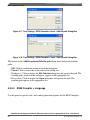
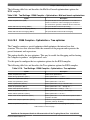
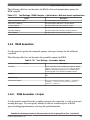
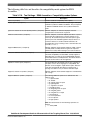
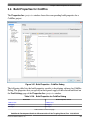
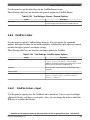
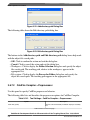
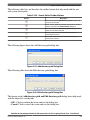
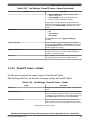
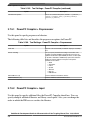
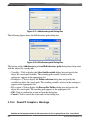
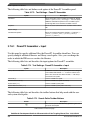
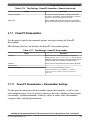
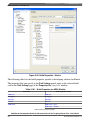
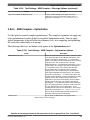
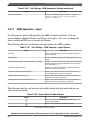
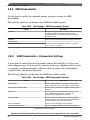
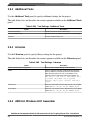
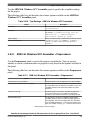
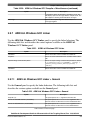
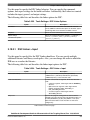
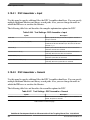
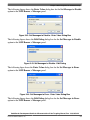
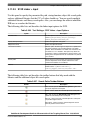
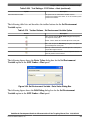
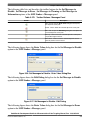
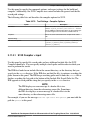
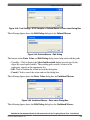
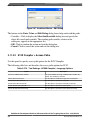
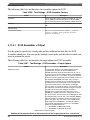
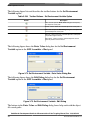
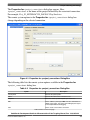
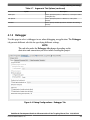
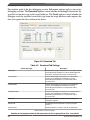
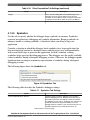
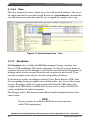
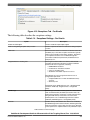
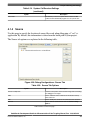
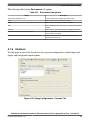
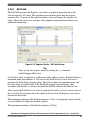
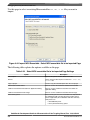
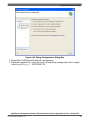
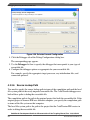
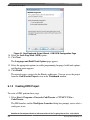
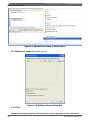
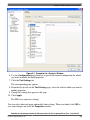
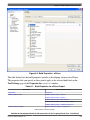
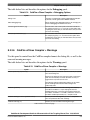
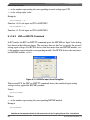
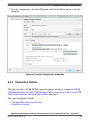
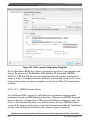
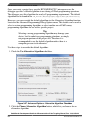
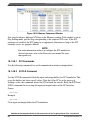
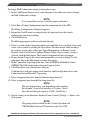
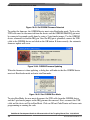
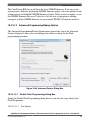
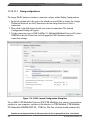
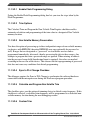
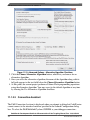
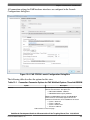
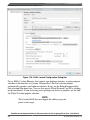
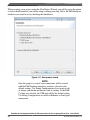
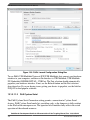
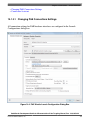
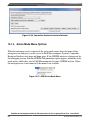
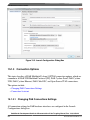
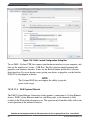
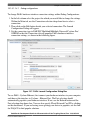
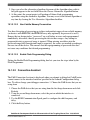
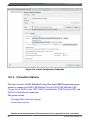
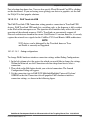
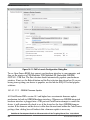
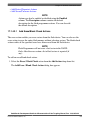
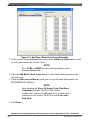
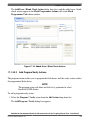
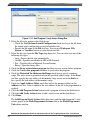
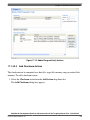
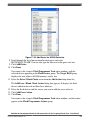
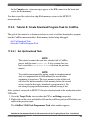
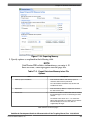
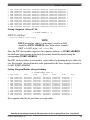
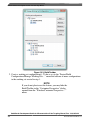
The following figure shows the Symbolics tab.
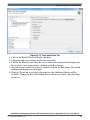
Figure 4-8. Symbolics Tab
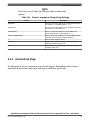
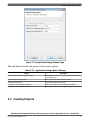
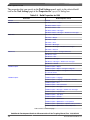
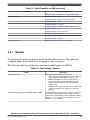
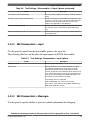
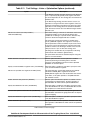
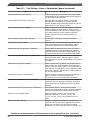
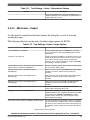
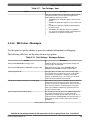
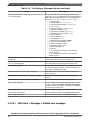
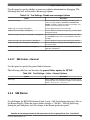
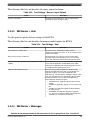
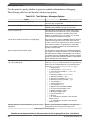
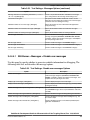
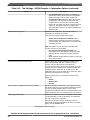
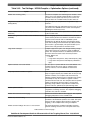
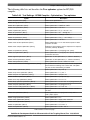
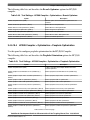
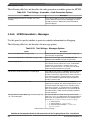
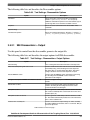
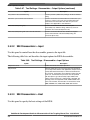
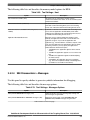
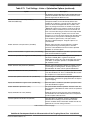
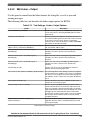
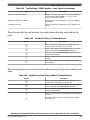
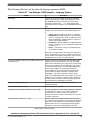
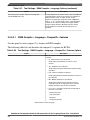
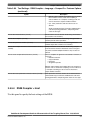
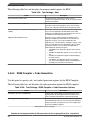
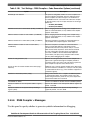
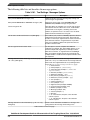
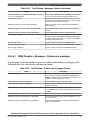
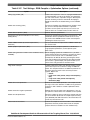
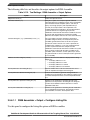
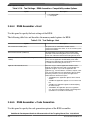
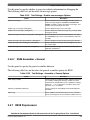
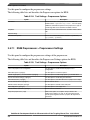
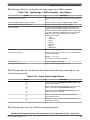
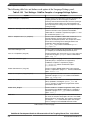
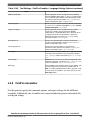
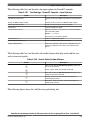
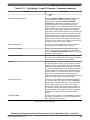
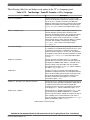
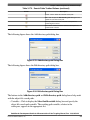
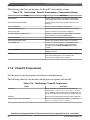
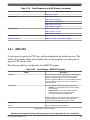
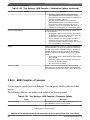
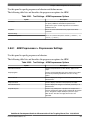
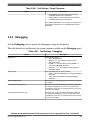
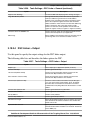
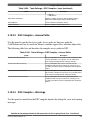
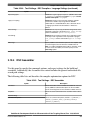
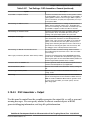
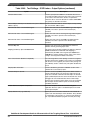
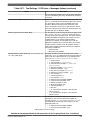
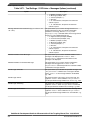
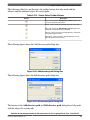
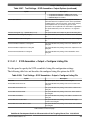
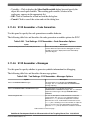
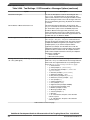
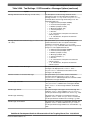
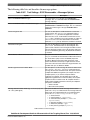
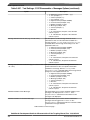
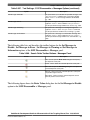
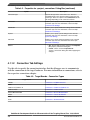
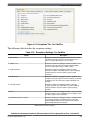
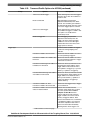
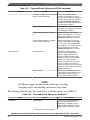
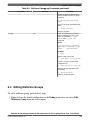
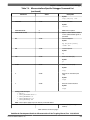
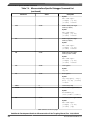
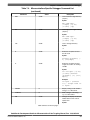
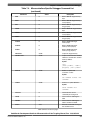
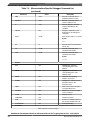
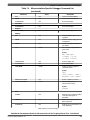
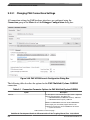
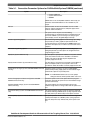
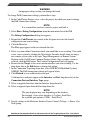
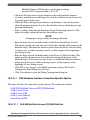
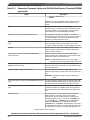
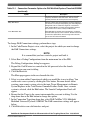
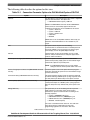
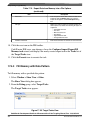
The following table describes the Symbolics debugger settings.
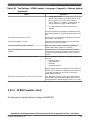
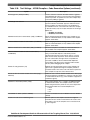
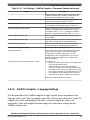
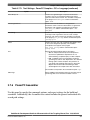
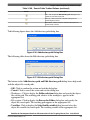
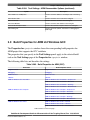
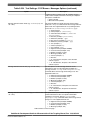
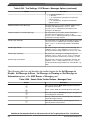
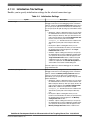
Table 4-11. Symbolics Tab Settings
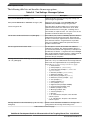
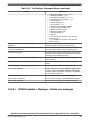
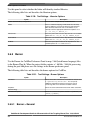
Option
Cache SymbolicsBetween Sessions
Description
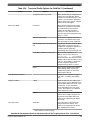
Check this option to have the debugger cache symbolics
between debugging sessions. With Create and Use Copy of
Executable cleared, the executable file remains locked after
the debugging session ends. In the Debug view, right-click the
locked file and select Un-target Executables to have the
debugger delete its symbolics cache and release the file lock.
The IDE enables this menu command when there are
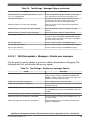
Table continues on the next page...
CodeWarrior Development Studio for Microcontrollers V10.x Targeting Manual, Rev. 10.6, 03/2014
Freescale Semiconductor, Inc.
451