1
SMT IPMI User's Guide
Options - Preference (Input)
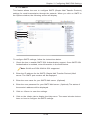
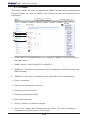
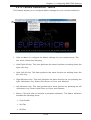
This feature allows you to configure input settings for your remote console.
2
3
4
5
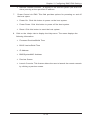
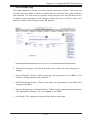
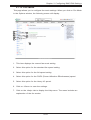
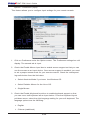
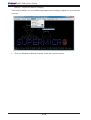
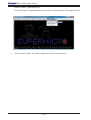
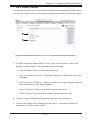
1. Click on Preference under the Options menu. The Preference settings box will
display. The second tab is Input.
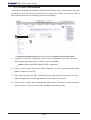
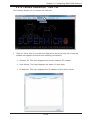
2. Check the Enable Mouse Input box to enable mouse support so that you can
use the mouse as an input device. Once mouse support is enabled, you need
to set a proper mouse mode for your remote console. Check the corresponding radio button from the list below.
•Select Absolute Mode if you have
the Windows OS
•Select Relative Mouse for the Linux OS.
•Single Mouse
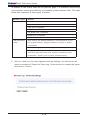
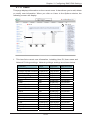
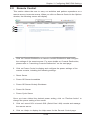
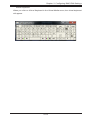
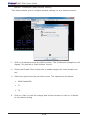
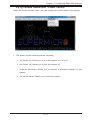
3. Check the Enable Keyboard Input box to enable keyboard support so that
you can use a soft keyboard as an input device. From the Keyboard layout
pull-down menu, select the right language setting for your soft keyboard. The
language options are the following:
•English
•Chinese (traditional)
2-60