1
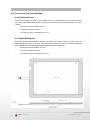
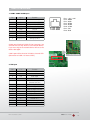
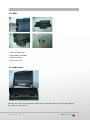
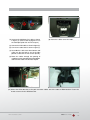
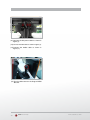
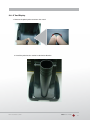
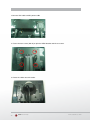
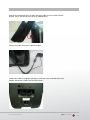
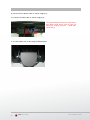
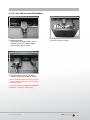
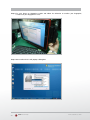
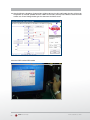
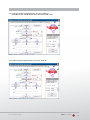
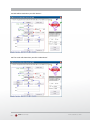
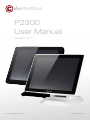
as shown in figure. (11) Connect the DC power cable wn in figure. sho as le (12) Connect the VGA cab wn in figure. sho as le (13) Connect the Audio cab bracket. VESAcable e of (11) Connect the DC power as shown in figure (1). (14) Put the cable cover on the hing 18 as shown in figure (2). (12) Connect the VGA cable (13) Connect the Audio cable as shown in figure (3). (14) Put the cable cover on the hinge of VESA bracket. 19 20 Colormetrics P2300 www.colormetrics.com.tw