1
Set Up
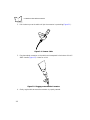
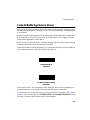
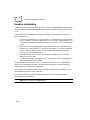
5. Slide the boot up while observing its orientation until it is securely in place (Figure
2-3).
Figure 2-3. Boot Securely in Place
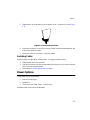
6. Make certain the semi-circular key on the boot slides inside the handle assembly, and
that the boot snaps into place.
7. Gently pull the boot to be sure it is properly seated.
Switching Cables
Different cables are required for different hosts. To change the scanner cable:
1. Slide the boot down over the cable.
2. Unplug the modular connector by depressing the connector clip (through the access
hole), and remove existing cable.
3. Follow steps for Installing the Cable on page 2-1.
Power Options
Three power options are available:
t
t
t
External power supply
Battery box
Direct host power (IBM Series - LS 4005i only)
Available power options are host dependent.
2-3