1
User’s Guide
103
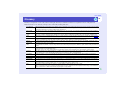
Problem Solving
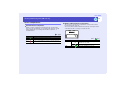
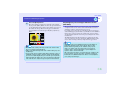
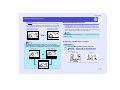
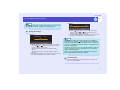
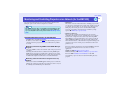
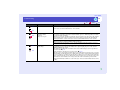
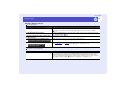
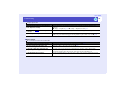
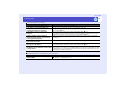
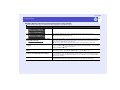
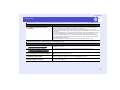
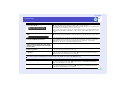
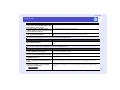
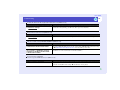
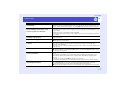
Image is truncated (large) or small
Check
Remedy
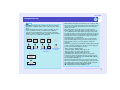
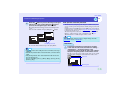
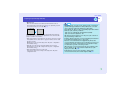
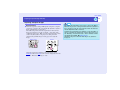
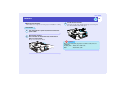
Is the image in real display?
Is the aspect ratio setting correct?
Press the [Resize] button on either the remote control or the projector's control panel. sp.61
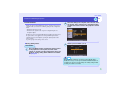
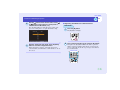
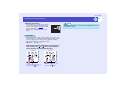
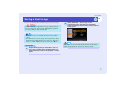
Is the image still being enlarged by the
E-Zoom function?
Press the [Esc] button on the remote control to cancel the E-Zoom function. sp.55
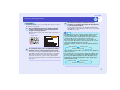
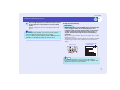
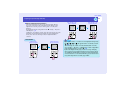
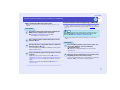
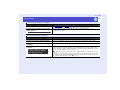
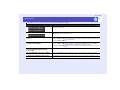
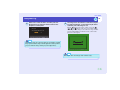
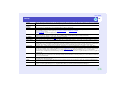
Has the "Position" setting been adjusted
correctly?
If analogue RGB computer signals are being input, press the [Auto] button on the remote control or
the [Enter] button on the projector's control panel to automatically adjust the setting.
If the images have not been correctly adjusted after using the automatic setup function, adjust the
setting manually using the "Position" menu command.
If signals other than analogue RGB computer signals are being input, adjust the setting manually
using the "Position" menu command. s"Signal" - "Position" p.79
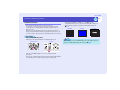
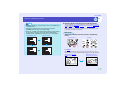
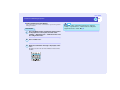
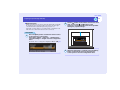
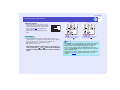
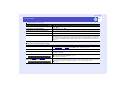
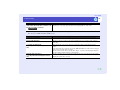
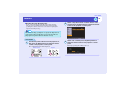
Has the computer been set for dual display?
If dual display has been activated in the Display Properties of the computer's Control Panel, the
projector will only project about half of the image on the computer screen. To display the whole of
the image on the computer screen, turn off the dual display setting.
sComputer video driver documentation
Only when projecting computer images
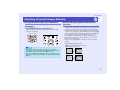
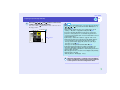
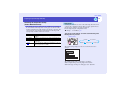
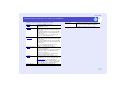
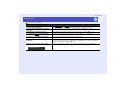
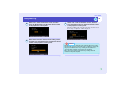
Has the "Resolution" command been set
correctly?
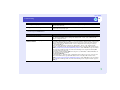
Only when projecting computer images
Set the "Resolution" menu command to match the computer.
s"Signal" - "Resolution" p.79 sComputer documentation