1
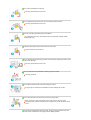
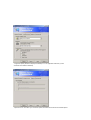
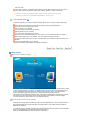
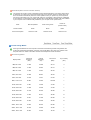
MagicColor is a new technology that Samsung has exclusively
developed to improve digital image and to display natural color
more clearly without disturbing image quality.
Off
Demo
Returns to the original mode.
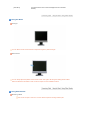
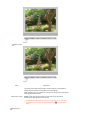
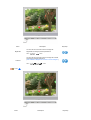
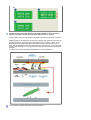
The screen before applying MagicColor appears
on the right and the screen after applying
MagicColor appears on the left.
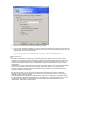
Full
Displays not only vivid natural color but also
more realistic natural skin color with clearness.
Intelligent Displays vivid natural color with clearness.
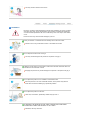
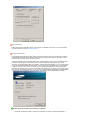
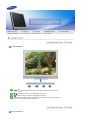
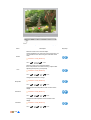
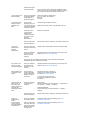
MagicZone The MagicZone ensures the clear and sharp
display of animated multimedia or photo images
by enhancing the brightness, sharpness,
saturation, hue of a certain area on the screen.
Especially, MagicZone is appropriate to using
the moving picture.
Hue
This function is to adjust the hue of the
MagicZone.
Saturation
This function is to adjust the saturation of the
MagicZone.
Saturation
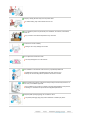
Brightness
This function is to adjust the brightness of the
MagicZone.
Brightness
Sharpness
This function is to adjust the sharpness of the
MagicZone.
Sharpness
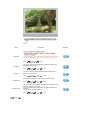
H-Position
This function is to move the MagicZone
horizontally.
H-Position
V-Position
This function is to move the MagicZone vertically.
V-Position
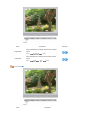
H-Size
This function is to adjust the horizontal size of the
MagicZone.
H-Size
V-Size
This function is to adjust the vertical size of the
MagicZone.
V-Size
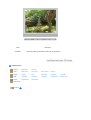
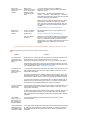
MagicColor
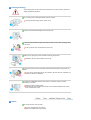
Color Tone
The tone of the color can be changed and one of four modes
can be selected -Cool, Normal, Warm and Custom.
( Not available in MagicColor mode of Full and Intelligent. )
MENU →
Color Control
,
→
→
,
→
→
,
→ MENU
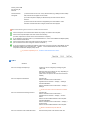
Adjusts individual Red, Green, Blue color balance. - Red,
Green, Blue
( Not available in MagicColor mode of Full and Intelligent. )
MENU →
,
→
→
,
→
→
,
→
→
,
→ MENU
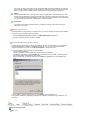
Gamma correction changes the luminance of the colors with
intermediate luminance.
Gamma
- Mode 1
- Mode 2
- Mode 3
MENU →
Image
MagicZone
,
→
→
,
→
→
,
→ MENU
Hue