1
2.4.1. SNMP Monitoring
Chapter 2. Management and Maintenance
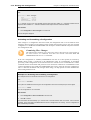
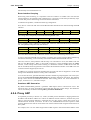
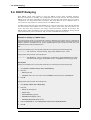
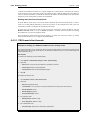
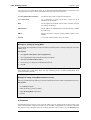
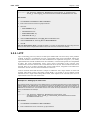
SNMP access. Port 161 is usually used for SNMP and NetDefendOS always expects SNMP traffic
on that port.
Remote Access Encryption
It should be noted that SNMP Version 1 or 2c access means that the community string will be sent
as plain text over a network. This is clearly insecure if a remote client is communicating over the
public Internet. It is therefore advisable to have remote access take place over an encrypted VPN
tunnel or similarly secure means of communication.
Preventing SNMP Overload
The advanced setting SNMPReqLimit restricts the number of SNMP requests allowed per second.
This can help prevent attacks through SNMP overload.
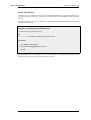
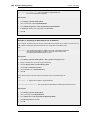
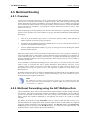
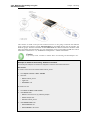
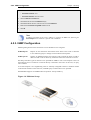
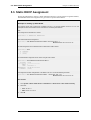
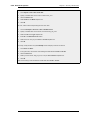
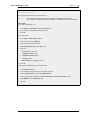
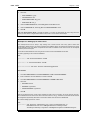
Example 2.13. Enabling SNMP Monitoring
This example enables SNMP access through the internal lan interface from the network mgmt-net using the
community string Mg1RQqR. (Since the management client is on the internal network we don't need to implement
a VPN tunnel for it.)
CLI
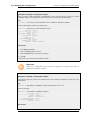
gw-world:/> add RemoteManagement RemoteMgmtSNMP my_snmp Interface=lan
Network=mgmt-net SNMPGetCommunity=Mg1RQqR
Should it be necessary to enable SNMPBeforeRules (which is enabled by default) then the command is:
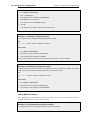
gw-world:/> set Settings RemoteMgmtSettings SNMPBeforeRules=Yes
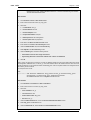
Web Interface
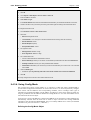
1.
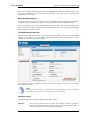
Goto System > Remote Management > Add > SNMP management
2.
For Remote access type enter:
3.
4.
•
Name: a suitable name
•
Community: Mg1RQqR
For Access Filter enter:
•
Interface: lan
•
Network: mgmt-net
Click OK
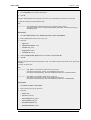
Should it be necessary to enable SNMPBeforeRules (which is enabled by default) then the setting can be found
in System > Remote Management > Advanced Settings.
44