1
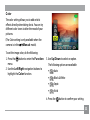
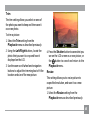
Trim
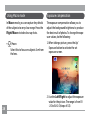
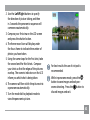
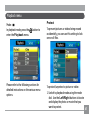
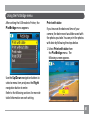
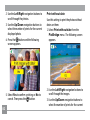
The trim setting allows you select an area of
the photo you want to keep and then save it
as a new photo.
To trim a picture:
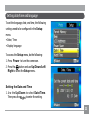
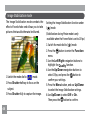
1. Select the Trim setting from the
Playback menu as described previously.
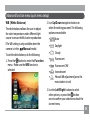
2. Using the Left/Right buttons, locate the
photo that you want to crop and have it
displayed on the LCD.
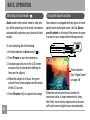
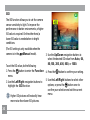
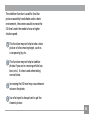
3. Use the zoom scroll wheel and navigation
buttons to adjust the trimming box to fit the
location and size of the new picture.
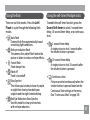
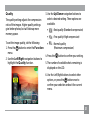
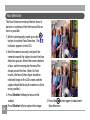
4. Press the Shutter button to save what you
see on the LCD screen as a new picture, or
the
button to cancel and return to the
Playback menu.
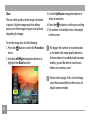
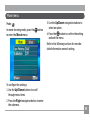
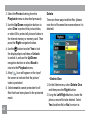
Resize
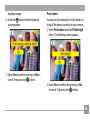
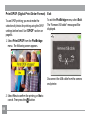
This setting allows you to resize picture to
a specified resolution, and save it as a new
picture.
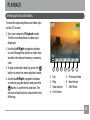
1. Select the Resize setting from the
Playback menu as described previously.
65