1
BitDefender Internet Security 2010
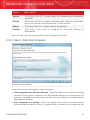
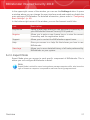
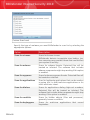
Action
Description
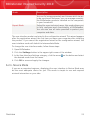
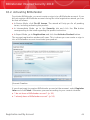
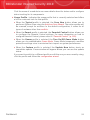
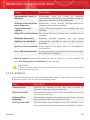
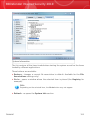
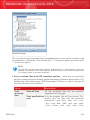
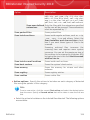
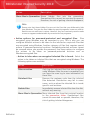
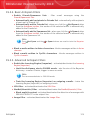
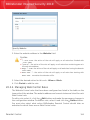
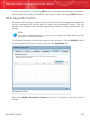
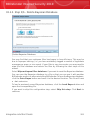
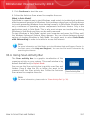
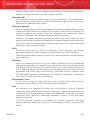
Move files to Quarantine Moves hidden files into the quarantine.
Quarantined files cannot be executed or opened;
therefore, the risk of getting infected disappears.
Note
Please note that these hidden files are not the files that you deliberately hide
from Windows. They are the files hidden by special programs, known as rootkits.
Rootkits are not malicious in nature. However, they are commonly used to make
viruses or spyware undetectable by normal antivirus programs.
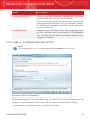
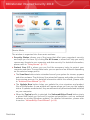
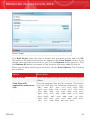
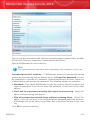
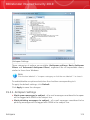
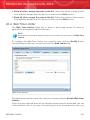
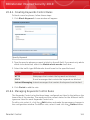
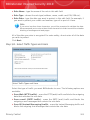
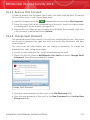
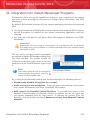
▸ Action options for password-protected and encrypted files. Files
encrypted using Windows may be important to you. This is why you can
configure different actions to be taken on the infected or suspicious files that
are encrypted using Windows. Another category of files that requires special
actions is password-protected archives. Password-protected archives cannot
be scanned unless you provide the password. Use these options to configure
the actions to be taken on password-protected archives and on
Windows-encrypted files.
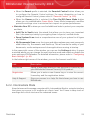
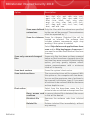
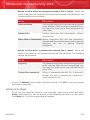
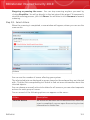
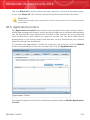
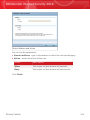
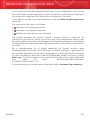
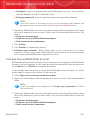
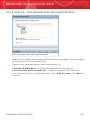
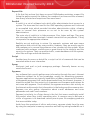
– Action to take when an encrypted infected file is found. Select the
action to be taken on infected files that are encrypted using Windows. The
following options are available:
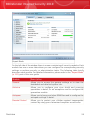
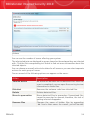
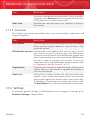
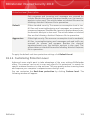
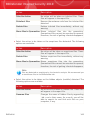
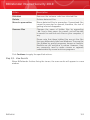
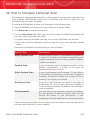
Action
Description
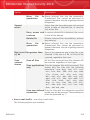
Take no action
Only log the infected files that are encrypted
using Windows. After the scan is completed, you
can open the scan log to view information on
these files.
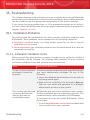
Disinfect files
Remove the malware code from the infected
files detected. Disinfection may fail in some
cases, such as when the infected file is inside
specific mail archives.
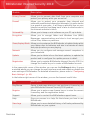
Delete files
Immediately remove infected files from the disk,
without any warning.
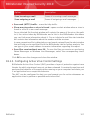
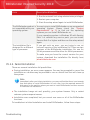
Move files to Quarantine Move infected files from their original location
to the quarantine folder. Quarantined files
cannot be executed or opened; therefore, the
risk of getting infected disappears.
Antivirus
141