1
DVR645H_WY_EN.book 31 ページ 2006年7月5日 水曜日 午前10時25分
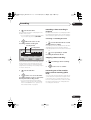
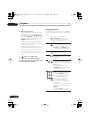
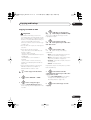
Controls and displays
03
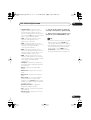
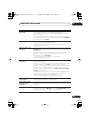
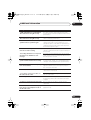
17 PREV NEXT
Press to skip to the previous or next title/
chapter/track/folder; or to display the
previous or next menu page.
When GUIDE Plus+™ is displayed, use to
display the previous/next page.
18 HELP
Press for help on how to use the current
GUI screen.
TV/DVD
Press to switch between ‘TV mode’, in
which you get the picture and sound
from the TV’s tuner, and ‘DVD mode’, in
which you get picture and sound from
the recorder’s tuner (or an external
input).
19 ONE TOUCH COPY (page 102)
Press to start One Touch Copy of the
currently playing title to DVD or the HDD.
20 INPUT SELECT (page 67)
Press to change the input to use for
recording.
21 MENU (page 73)
Press to display the disc menu if a DVDVideo, finalized DVD-R/-RW or finalized
DVD+R/+RW disc is loaded.
When in the GUIDE Plus+™ system, use to
jump directly to the Menu bar.
22 DISPLAY (page 83)
Displays/changes the on-screen information
displays.
31
En