1
Network Connection
BitTorrent Download
1.
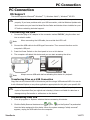
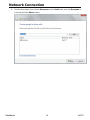
Click Add New Torrent button.
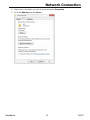
2.
Select a torrent file from your PC and then click Yes.
3.
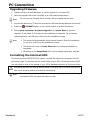
The select torrent file will be displayed. Check the box of a torrent file, and then you can
select Start, Stop, Delete, Refresh, Down, and Up setting of this file.
4.
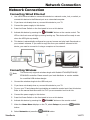
Click Setting to set download/upload rate, seed setting, and simultaneous
setting of your download.
Visit Neighbor
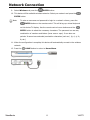
This function works with Microsoft IE browser only. Click Visit Neighbor to open the
internal HDD as shared folder of this device. The option in Setup → Network → Network
Sharing must be set as On for this function to take effect.
Account Management
Change the password of user admin.
9LHZ6RQLF
16
903