1
Chapter 4 — Managing, Troubleshooting, and Upgrading the IF2
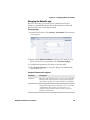
Viewing the About Screen
The About screen lists installed software versions, serial numbers, and
other IF2-specific information.
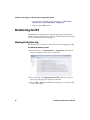
To view the About screen
•
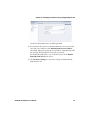
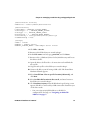
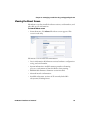
From the menu, click About. The About screen appears. This
screen is read-only.
The About screen includes this information:
•
Device information: IF2 firmware version, hardware configuration
string, and serial number.
•
System information: Available memory, number of running
processes, and amount of time the IF2 has been running.
•
RFID Module firmware: Firmware version installed.
•
Network interface information.
•
Installed subsystems: versions of all currently loaded IF2
subsystems, including Linux.
IF2 Network Reader User’s Manual
59