1
DK-CL5P
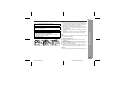
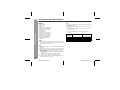
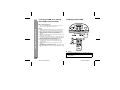
General control (continued)
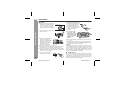
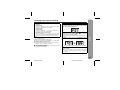
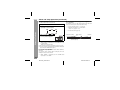
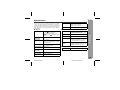
■ Display brightness control (DIMMER)
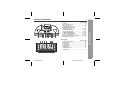
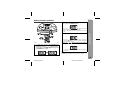
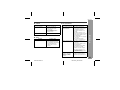
■ Equalizer
Press the SNOOZE/DIMMER button to adjust the brightness of
LCD display.
Press the EQUALIZER button repeatedly until the desired
sound mode appears.
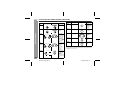
Equalizer off.
E-FL
Dimmer 1
(Display is dim)
Dimmer 2
(Display gets dimmer)
Basic Operation
Dimmer off
E-ro
For rock music.
E-CL
For classical music.
E-Po
For pop music.
E-JA
For jazz music.
(Display is bright)
Note:
● Setting dimmer to display in the brightest mode during battery
operation will affect battery life.
● During battery operations in standby mode, the brightness of
display will automatically go to the lowest mode (dim OFF)
after 5 seconds.
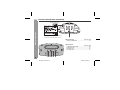
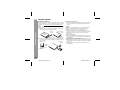
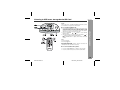
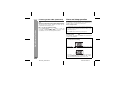
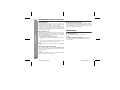
■ Volume auto set in
If you turn off and on the main unit with the volume set to 17 or
higher, the volume starts at 16.
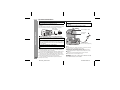
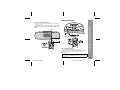
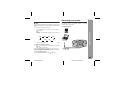
■ Volume control
Main unit operation:
Rotate the Volume knob anti-clockwise to
decrease volume and clockwise to
increase volume.
Remote control operation:
Press the VOLUME (+ or –) button to
increase or decrease the volume.
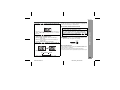
Volume indicator will be blinking when the
volume reaches maximum or minimum
level.
■ Muting
The volume will muted temporarily when pressing the MUTE button
on the remote control. “L-00” will be blinking on the display. Press
the MUTE button again to restore the volume.
14
DK-CL5P_A6 02-27.fm
2010 November 3