1
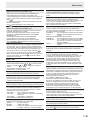
Contents
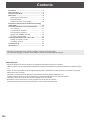
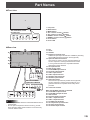
Part Names........................................................................3
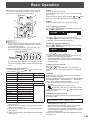
Basic Operation................................................................5
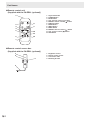
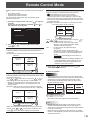
Remote Control Mode .....................................................7
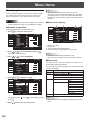
Menu Items........................................................................8
Displaying the menu screen..........................................8
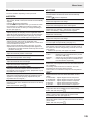
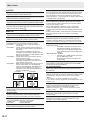
Menu item details..........................................................9
Adjustments for PC screen display.............................15
Initialization (Reset)/Functional Restriction Setting
(FUNCTION).....................................................................16
Controlling the Monitor with a PC (RS-232C)...............17
PC connection.............................................................17
Communication conditions..........................................17
Communication procedure..........................................17
Setting of the GAMMA user data.................................20
RS-232C command table............................................21
Controlling the Monitor with a PC (LAN)......................28
Settings to connect to a LAN.......................................28
Controlling with a PC...................................................30
Troubleshooting..............................................................36
Specifications.................................................................37
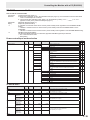
This guide contains instructions regarding operation, settings, and similar details.
For instructions regarding connection and installation, refer to the included Operation Manual.
Manual Scope
- Microsoft, Windows and Internet Explorer are registered trademarks of Microsoft Corporation.
- HDMI, the HDMI Logo and High-Definition Multimedia Interface are trademarks or registered trademarks of HDMI Licensing
LLC.
- Adobe, Acrobat, and Reader are either registered trademarks or trademarks of Adobe Systems Incorporated in the United
States and/or other countries.
- This product comes with RICOH Bitmap Fonts produced and sold by RICOH COMPANY, LTD.
- All other brand and product names are trademarks or registered trademarks of their respective holders.
- Language of OSD menu used in this manual is English by way of example.
- Illustrations in this manual may not exactly represent the actual product or display.
- This manual assumes use in horizontal orientation, except where specifically noted.
E
2