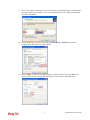
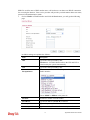
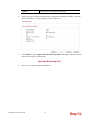
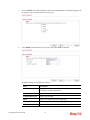
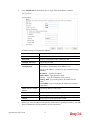
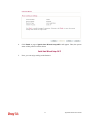
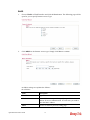
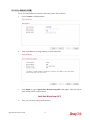
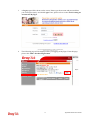
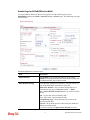
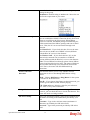
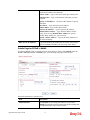
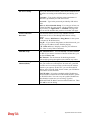
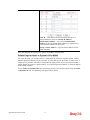
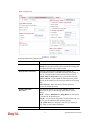
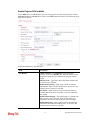
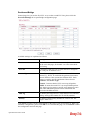
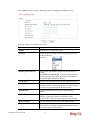
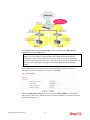
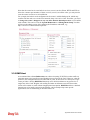
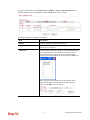
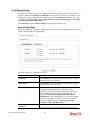
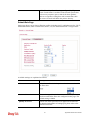
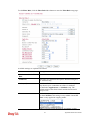
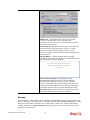
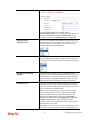
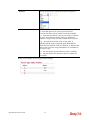
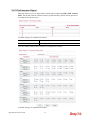
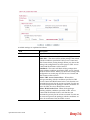
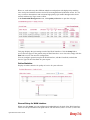
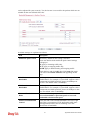
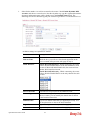
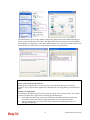
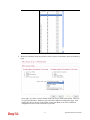
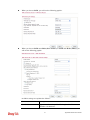
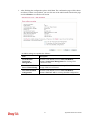
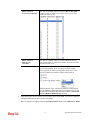
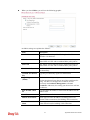
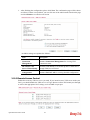
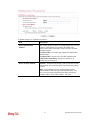
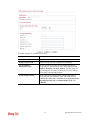
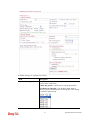
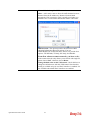
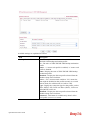
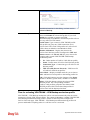
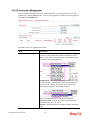
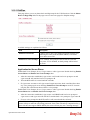
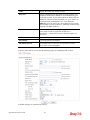
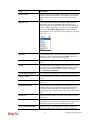
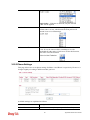
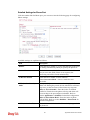
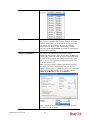
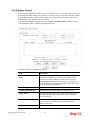
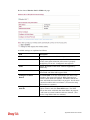
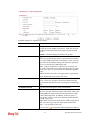
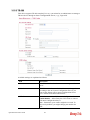
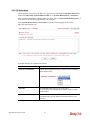
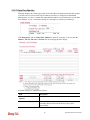
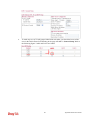
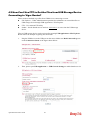
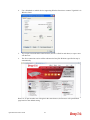
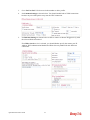
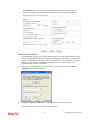
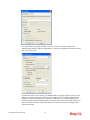
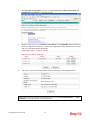
11. Click Add to open the following window. Check the ACT box, first.
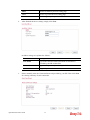
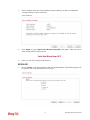
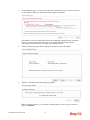
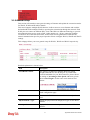
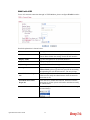
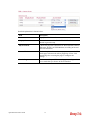
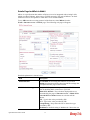
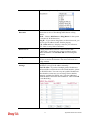
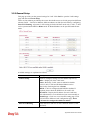
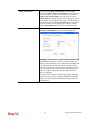
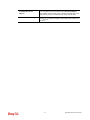
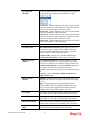
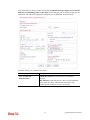
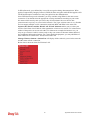
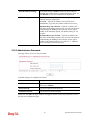
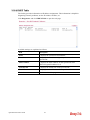
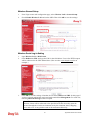
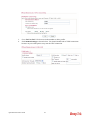
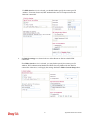
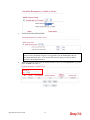
12. Then click Edit of Local Address to set a worker’s subnet address. Click Edit of
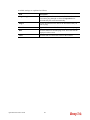
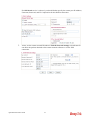
Remote Address to set headquarter’s IP address. Leave other fields and click OK.
321
Vigor2830 Series User’s Guide