1
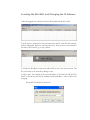
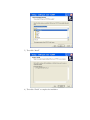
7) Now the driver is installed in your PC.
How to Map the COM Ports over TCP/IP
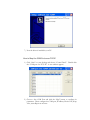
1) Click “Start” on your desktop and choose “Control Panel”. Double click
the “COM port over TCP/IP”. A new window appears.
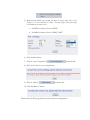
2) Choose a free COM Port and click the “Map” button to configure its
parameters. Please configure the COM port, IP address, Device Port, Keep
Alive, status Report at one time.