1
Table of Contents
Copyright .......................................................................................................................... 2
Disclaimer ......................................................................................................................... 2
Getting started .................................................................................................................. 4
Getting to know your monitor ........................................................................................ 6
Front view ........................................................................................................................................6
Back view .........................................................................................................................................6
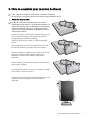
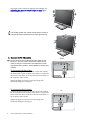
How to assemble your monitor hardware ...................................................................... 7
Adjusting the monitor stand height .............................................................................................11
Rotating the monitor ....................................................................................................................12
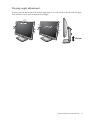
Viewing angle adjustment .............................................................................................................13
How to detach the stand base .......................................................................................................14
Using the monitor wall mounting kit ..........................................................................................15
Getting the most from your BenQ monitor ................................................................. 16
How to install the monitor on a new computer ..........................................................................17
How to upgrade the monitor on an existing computer ..............................................................18
How to install on Windows 7 system ...........................................................................................19
How to install on Windows Vista systems ...................................................................................20
How to install on Windows XP system ........................................................................................21
Picture optimization ...................................................................................................... 22
How to adjust your monitor .......................................................................................... 23
The control panel ..........................................................................................................................23
Hot key mode ................................................................................................................................24
Main menu mode ..........................................................................................................................25
Troubleshooting ............................................................................................................. 42
Frequently asked questions (FAQ) ...............................................................................................42
Need more help? ............................................................................................................................44