1
•
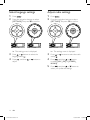
To skip to the previous or next chapter
or track, press
or
.
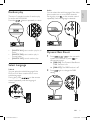
Intro play
This feature plays the first 10 seconds of each
audio track.
Press the
button to enable and
disable this function.
•
•
•
•
To search backward or forward quickly,
press
or
for 3 seconds.
Press
to resume normal play.
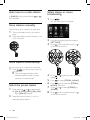
During MP3/WMA play
To select a specific song folder, press
twice to display the folder list. Press
or
to select, and then press
to
confirm.
To select a specific track, press
or
within the folder. Press
to confirm.
To skip to a specified chapter or track,
press the numeric buttons.
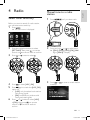
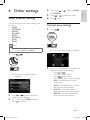
Repeat play
There are 3 standard modes of repeat play for
video, audio, and MP3/WMA.
Press the
button repeated to select.
•
•
•
•
8
[REP ONE]: play the current chapter or
track repeatedly.
[REP DIR]: play the current folder
repeatedly.
[REP ALL]: play all chapters in the title or
all tracks repeatedly.
[REP CANCEL]: cancel repeat play.
EN
ce229 um 55.indd 8
24/05/2011 17:59:56
21:45:51
25/05/2011
ce22