1
3.
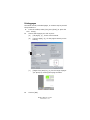
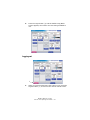
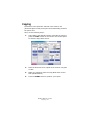
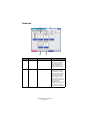
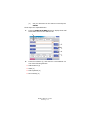
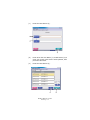
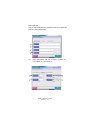
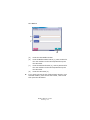
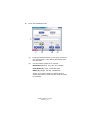
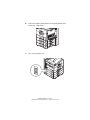
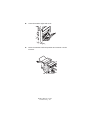
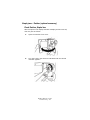
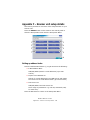
Touch the Attachments tab.
1
2
3
4
5
6
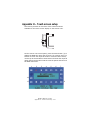
(a)
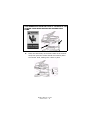
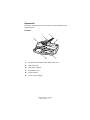
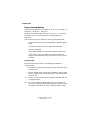
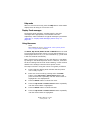
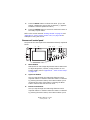
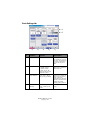
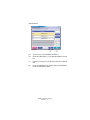
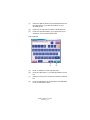
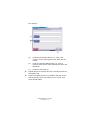
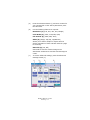
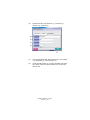
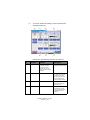
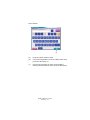
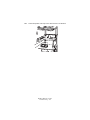
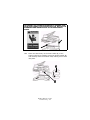
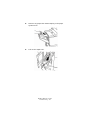
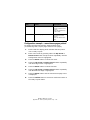
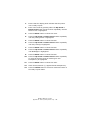
Press the File Name button (1) and enter a name for
your scanned file via the soft keyboard then press
the OK button.
(b)
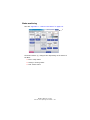
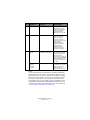
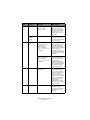
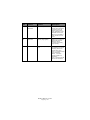
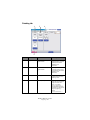
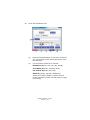
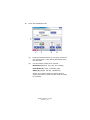
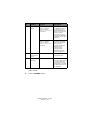
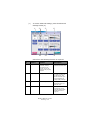
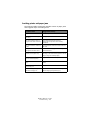
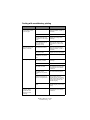
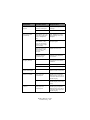
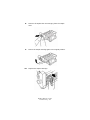
Use the following features as required:
Resolution (2)(150, 200, 300, 400, 600dpi)
Color Mode (3)(Color, Grayscale, B/W)
File Format (4)(JPEG, PDF, TIFF)
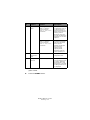
Sides (5) (Single, Top/Top, Top/Bottom)
Allows you to define simplex or duplex and the
duplex orientation of front and back sides of a page
for scanning.
ES3640e MFP User’s Guide
Scanning > 84