1
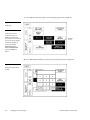
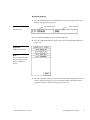
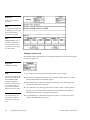
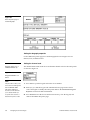
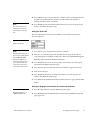
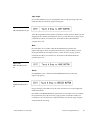
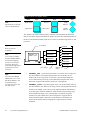
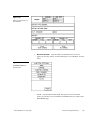
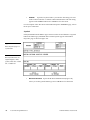
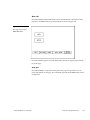
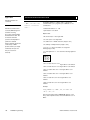
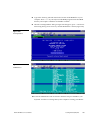
11. Once the IR file has loaded into your computer and the loading dialog
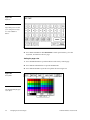
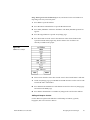
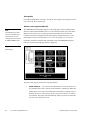
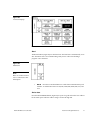
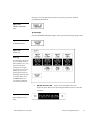
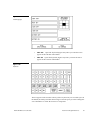
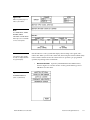
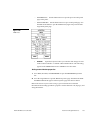
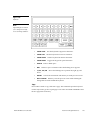
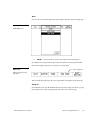
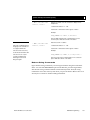
disappears, press F3. Click Modify and press ENTER. The Modify dialog will
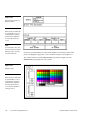
appear
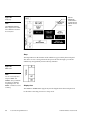
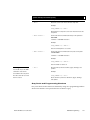
(Figure 220).
Figure 220
Modify dialog screen
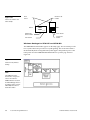
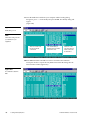
Note
The IR file loading is the file
you identified for your
equipment.
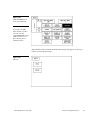
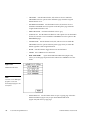
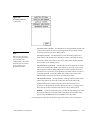
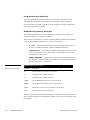
This area is where the
function list will be
constructed.
The current library of
Hand Control files will be
listed in this area.
Functions of the
currently selected
hand controls will
be listed here.
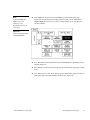
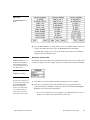
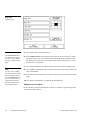
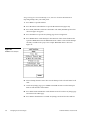
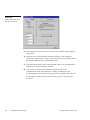
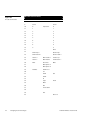
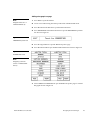
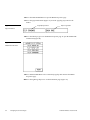
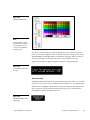
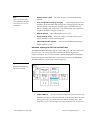
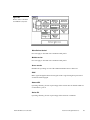
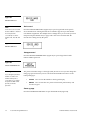
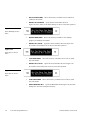
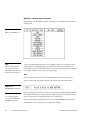
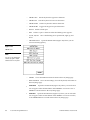
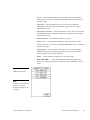
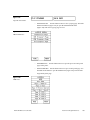
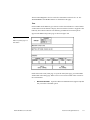
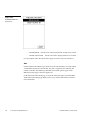
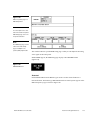
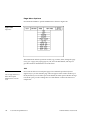
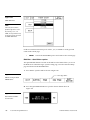
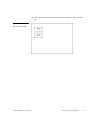
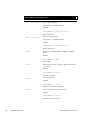
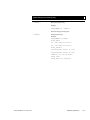
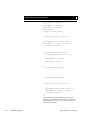
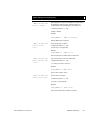
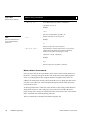
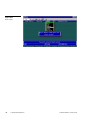
12. Enter Alt D and then enter Alt C. You have cleared the DCU Function
Description and have copied the Sony RMT 104A<DVP> IR settings into the
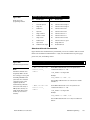
DCU Function column (Figure 221).
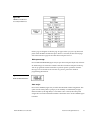
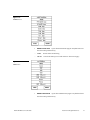
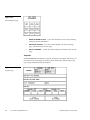
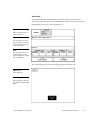
Figure 221
IR commands loaded into
DCU
166
Loading Infrared (IR) Files
ViewPoint Wireless Touch Panels