1
Contents
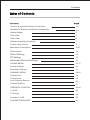
Caution & Important Safety Precautions
1-2
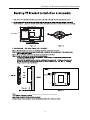
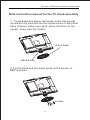
Desktop TV Bracket Installation & Assembly
Getting Started
3-4
5
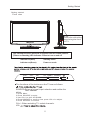
Front View
5
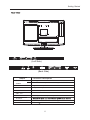
Rear View
6
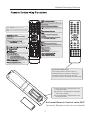
Remote Control Key Functions
7
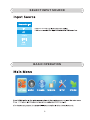
Select input source
8
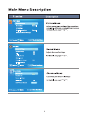
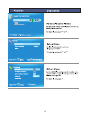
Main Menu Description
9-10
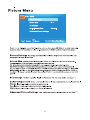
Picture menu
11
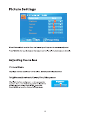
Picture Settings
12
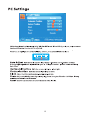
PC Settings
13
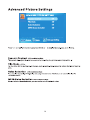
Advanced Picture Settings
14
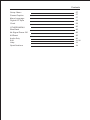
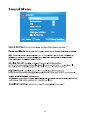
SOUND MENU
15-17
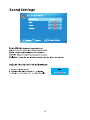
Sound Settings
16
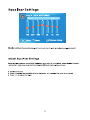
Equalizer Settings
17
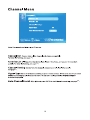
CHANNEL MENU
18-21
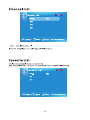
Channel List
19
Favorite List
19
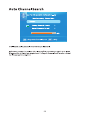
Auto Channel Search
20
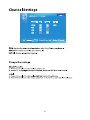
Channel Setting
21
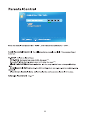
PARENTAL CONTROL
22-26
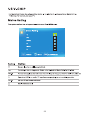
V-CHIP
23
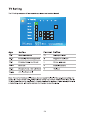
TV Rating
24
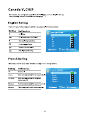
Canada V-CHIP
25
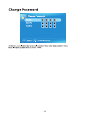
CHANGE PASSWORD
26