1
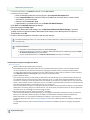
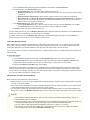
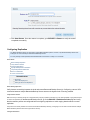
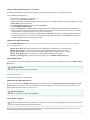
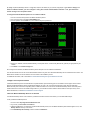
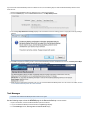
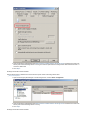
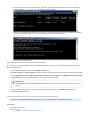
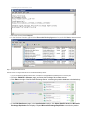
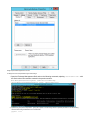
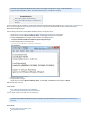
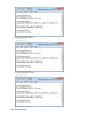
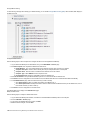
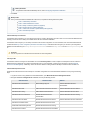
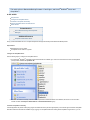
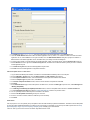
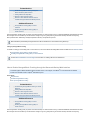
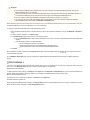
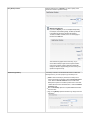
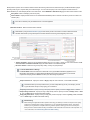
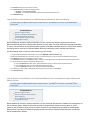
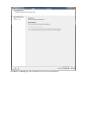
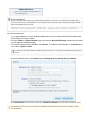
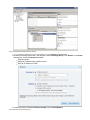
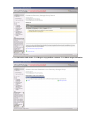
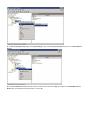
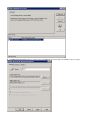
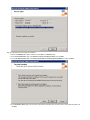
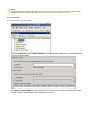
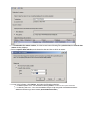
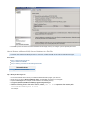
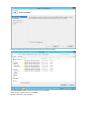
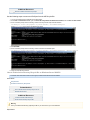
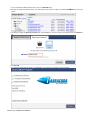
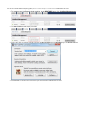
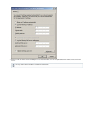
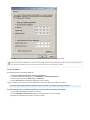
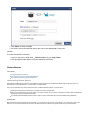
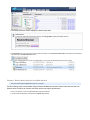
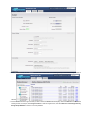
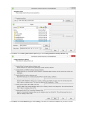
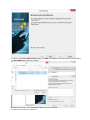
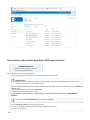
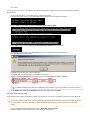
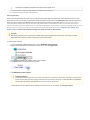
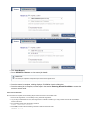
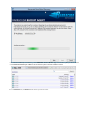
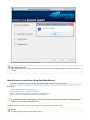
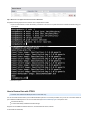
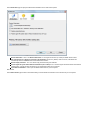
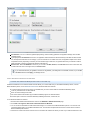
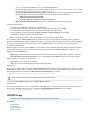
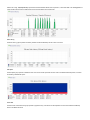
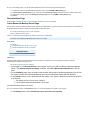
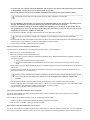
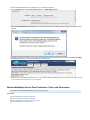
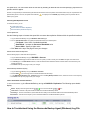
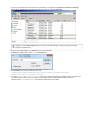
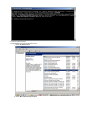
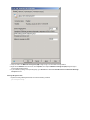
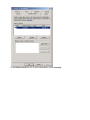
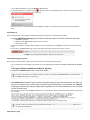
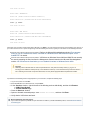
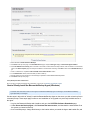
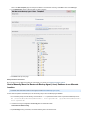
5. Click Start Restore; the Restoration in progress window displays:
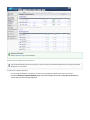
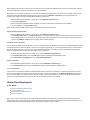
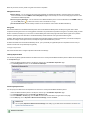
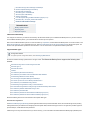
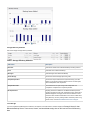
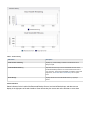
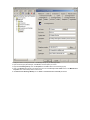
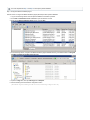
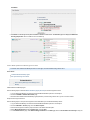
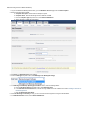
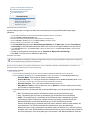
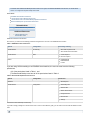
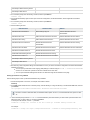
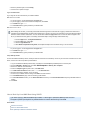
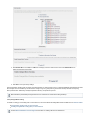
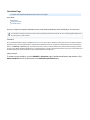
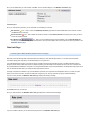
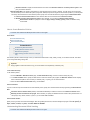
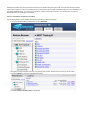
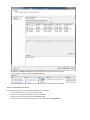
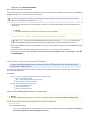
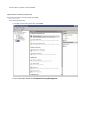
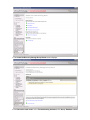
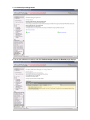
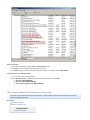
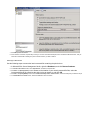
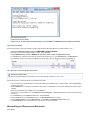
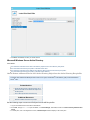
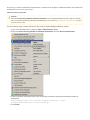
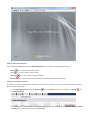
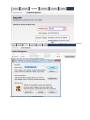
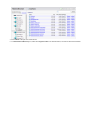
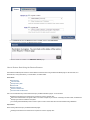
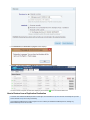
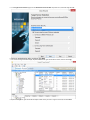
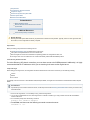
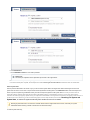
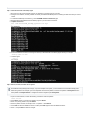
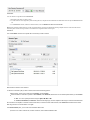
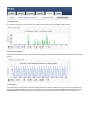
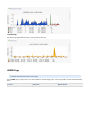
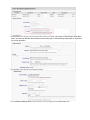
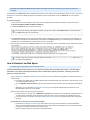
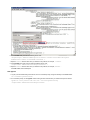
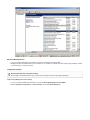
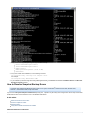
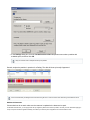
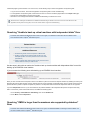
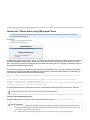
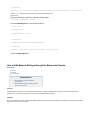
6. Click OK. In the web interface, go to REPORTS > Restore to view the restoration status:
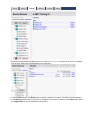
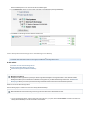
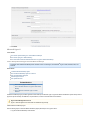
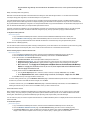
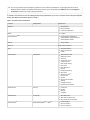
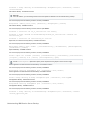
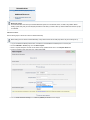
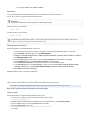
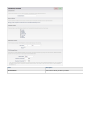
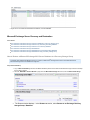
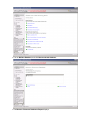
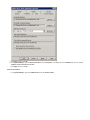
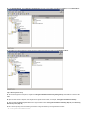
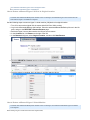
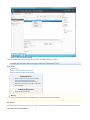
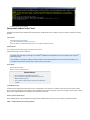
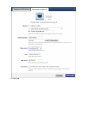
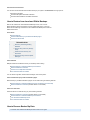
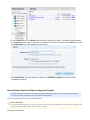
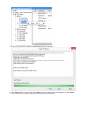
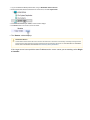
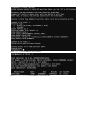
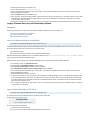
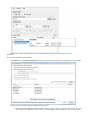
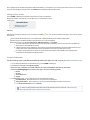
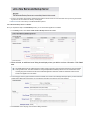
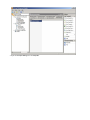
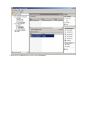
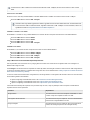
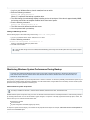
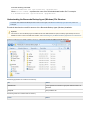
7. Once the restore is complete, the left column displays a green indicator (
) next to the restored data source.
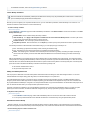
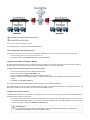
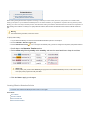
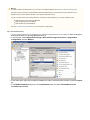
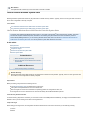
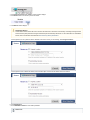
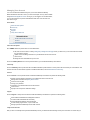
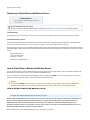
How to Restore from a Replication Destination
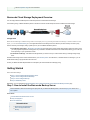
This article refers to Barracuda Backup firmware 4.0 and higher, and assumes that replication has been successfully set up on both
devices and that backups are running successfully.
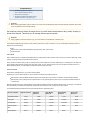
Only the Barracuda Backup Server 490 and higher can act as a backup to other Barracuda Backup Servers, although any
Barracuda Backup Server can send data.