1
2S RS422/485 Mini PCIe Card
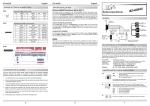
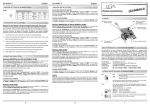
ON OFF
Termination Resistor Enabled
4. Installing the Mini PCIe Card
1.
Remove the Mini PCIe card from its protective antistatic
packaging, remove the screw holding the Mini PCIe card to the
motherboard and insert the new Mini PCIe card into the socket.
Mini PCIe Socket
2.
Put the Mini PCIe card onto the motherboard and attach it with
the screw.
Holding screw
3.
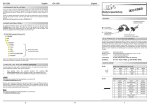
Install the serial flat cables. Please mind the pin 1 position to
match with the cable’s red color wire.
3