1
2. Setting up the monitor
2.3 Remove the Base Assembly for
VESA Mounting
Before you start disassembling the monitor
base, please follow the instructions below to
avoid any possible damage or injury.
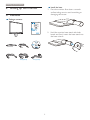
Remove base stand
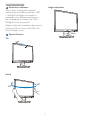
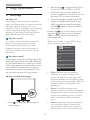
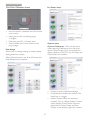
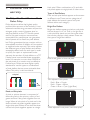
1. Extend the monitor stand to its maximum
height.
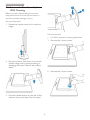
Remove the base
For VESA standard mounting applications
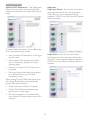
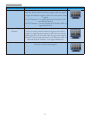
1. Remove the 4 screw covers.
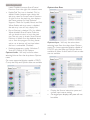
2. Place the monitor face down on a smooth
surface, taking care to avoid scratching or
damaging the screen. Then lift the monitor
stand.
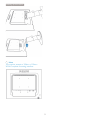
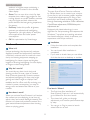
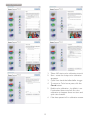
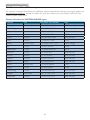
2. Remove the 4 screw covers.
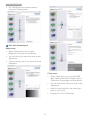
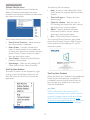
3. Press the release button on the rear of the
stand to remove the base from the stand.
8