1
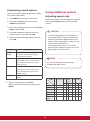
NETWORK settings
NETWORK
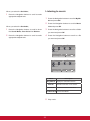
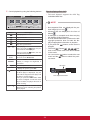
Network Setting
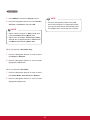
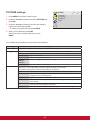
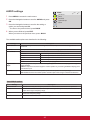
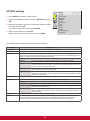
1 Press MENU to access the main menus.
Network Status
2 Press the Navigation buttons to scroll to NETWORK and
press OK.
3 Press the Navigation buttons to scroll to the setting or option
you want and press OK.
- To return to the previous level, press BACK.
4 When you are finished, press EXIT.
When you return to the previous menu, press BACK.
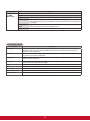
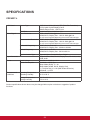
The available option settings are described in the following:
Setting
Description
Network Setting
Configure the network settings.
Network Status
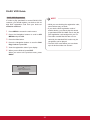
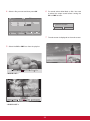
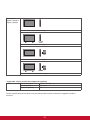
Display the network status.
- Internet is connected : Extermally connected
- Home network is connected : Only internally connected
- Not connected : When there is no network connection
50
Move
OK