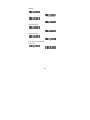
1
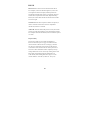
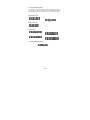
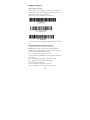
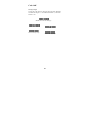
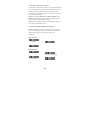
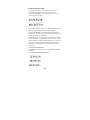
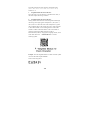
Scan
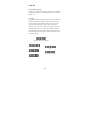
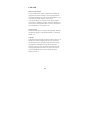
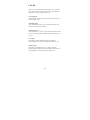
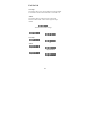
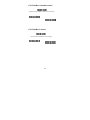
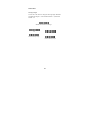
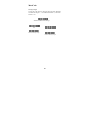
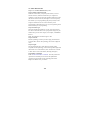
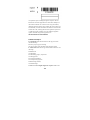
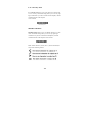
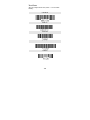
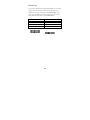
Read Time-Out
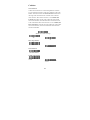
Use this selection to set a time-out (in milliseconds) of the
imager’s trigger if the imager is in manual trigger mode. Once the
imager has timed out, you can activate the imager by pressing the
trigger. After scanning the Read Time-Out bar code, set the
time-out duration (from 0-300,000 milliseconds) by scanning
digits from the inside back cover, then scanning Save. Default = 0
(infinite, or no time-out).
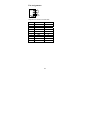
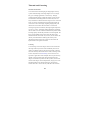
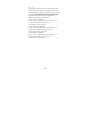
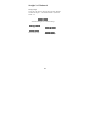
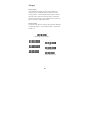
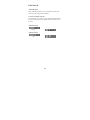
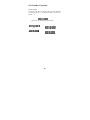
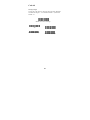
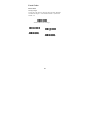
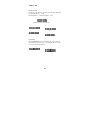
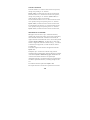
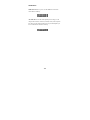
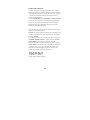
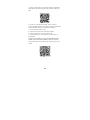
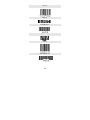
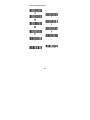
Low Power Time-Out Timer
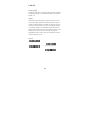
Scan the Low Power Time-Out bar code to change the time-out
duration (in seconds). Then scan the time-out duration (from 0-300
seconds) from the inside back cover, and Save. Default = 120
seconds. If the unit remains idle during the low power time-out
interval, the unit goes into low power mode. Whenever the trigger
is enabled, the low power time-out timer is reset.
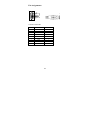
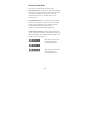
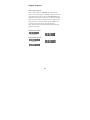
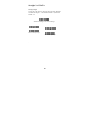
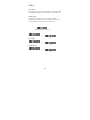
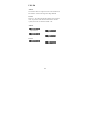
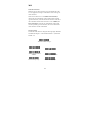
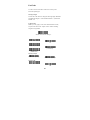
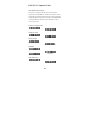
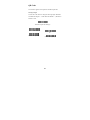
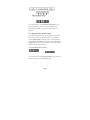
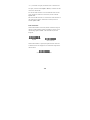
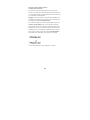
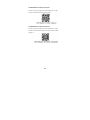
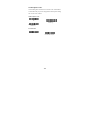
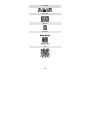
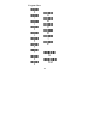
Auto-sense LED Behavior after Decode
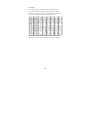
When an imager is in Auto-sense mode, the LEDs remain on and
continue scanning for a short time after a bar code is decoded. If
you wish to turn the LEDs off immediately after a bar code is
decoded, scan the LEDs Off bar code, below. Default = LEDs On.
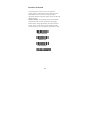
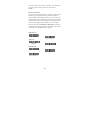
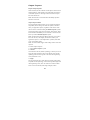
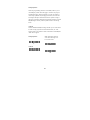
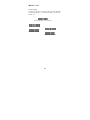
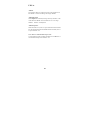
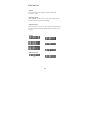
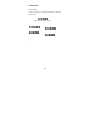
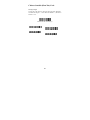
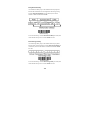
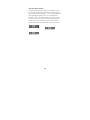
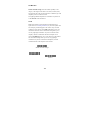
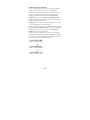
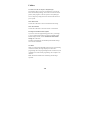
Auto-sense LED Time-Out
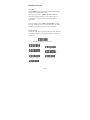
When using Auto-sense LED Behavior after Decode , you may
want to set the time the LEDs remain off after a decode. To set the
duration of this delay, scan the bar code below, then set the
time-out by scanning digits (0 - 9,999 ms) , then scanning Save.
Once the unit has completed this time-out, it will immediately
resume scanning.
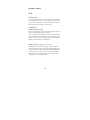
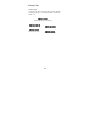
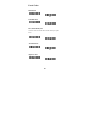
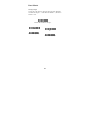
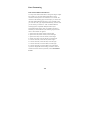
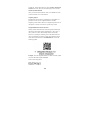
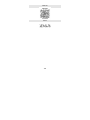
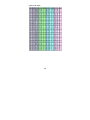
Auto-sense Sensitivity
Auto-sense Sensitivity is a numeric range that increases or
decreases the imager's reaction time to bar code Auto-sense. To set
the sensitivity, scan the Sensitivity bar code, then scan the degree
28