1
Programming
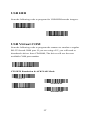
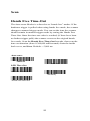
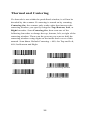
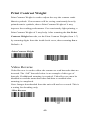
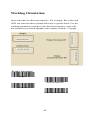
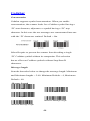
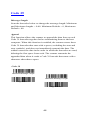
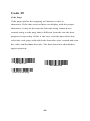
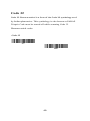
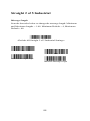
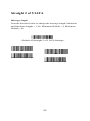
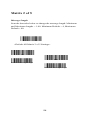
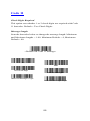
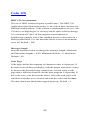
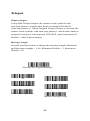
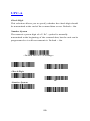
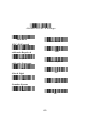
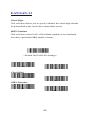
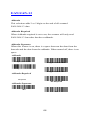
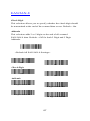
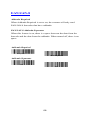
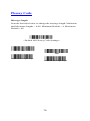
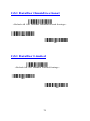
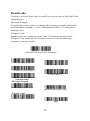
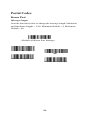
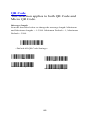
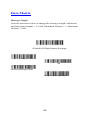
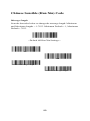
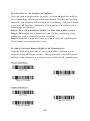
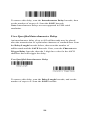
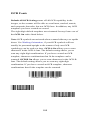
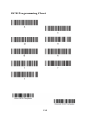
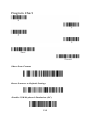
Scan a series of programming barcodes in the correct order. Fold
out, print or view on the screen, the back page of this manual. You
will see a table of alphanumeric barcodes, which are used to
program the various options presented.
To program each option, you must:
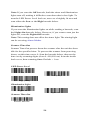
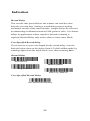
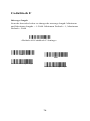
1.Scan the Program barcodes.
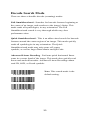
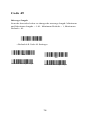
2.Enter the option mode by scanning the option barcodes.
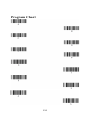
3.The necessary alphanumeric inputs are listed. Scan these
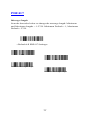
alphanumeric entries from the Program Chart. To confirm the
above steps, you must scan the Save barcode.
11