1
5
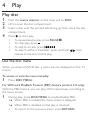
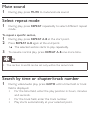
Press PLAY on the main unit to start play.
• To pause/resume play, press PAUSE on the main unit.
/
on the
• To rewind or fast-forward, press SEARCH
main unit.
on the main unit.
• To stop play, press STOP/OPEN
Listen to a radio station
Tip
•• Position the antenna as far as possible from TV, VCR or other
radiation source.
Note
•• For optimal reception, fully extend and adjust the position of the
antenna.
1
2
Push the source selector on the main unit to FM.
Turn TUNING to tune to a radio station.
5 Play options
Adjust volume
1
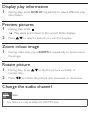
During play, turn VOLUME to increase/decrease the volume
level.