1
6
Maintenance and Adjustment
6.1
Cleaning the Print Head
Dirt on the print head or ribbon, or glue residue from the label stock may result in inadequate print quality. The printer
cover must therefore always be closed during printing. Keeping dirt and dust away from the paper or labels ensures a
good print quality and a longer lifespan of the print head.
Cleaning Steps
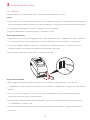
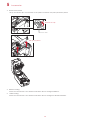
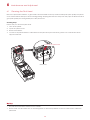
Here is how you clean the print head.
1.
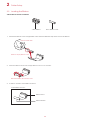
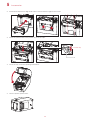
Turn off the printer.
2.
Open the printer cover.
3.
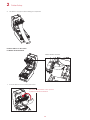
Remove the ribbon.
4.
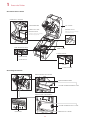
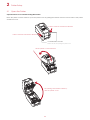
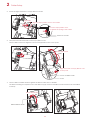
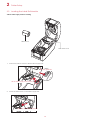
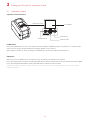
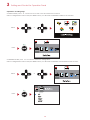
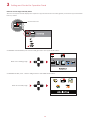
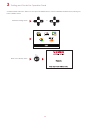
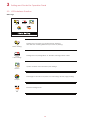
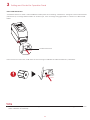
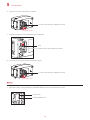
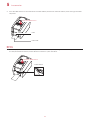
To remove any label residue or other dirt from the print head (see red arrow), please use a soft lint-free cloth
dipped in alcohol.
To clean the print head
PRINT HEAD
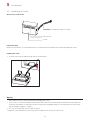
****The print head should be cleaned once a week.
****Please make sure that there are no metal fragments or other hard particles on the soft cloth used to clean the
print head.
056