1
Contents
Connections
Playback
Settings
Playback
Basic operation
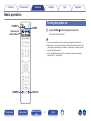
Turning the power on
Selecting the input source
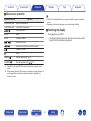
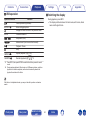
Switching the display’s brightness
Stopping digital outputs
Using the sleep timer
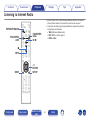
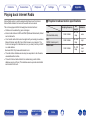
Listening to Internet Radio
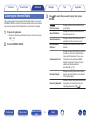
Listening to Internet Radio
Using vTuner to add Internet Radio stations to favorites
Playing back files stored on a PC and NAS
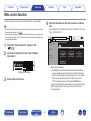
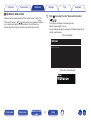
Applying media sharing settings
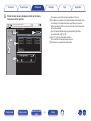
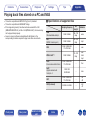
Playing back files stored on PC and NAS
Performing repeat playback
Performing random playback
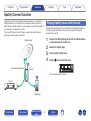
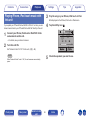
Spotify Connect function
Playing Spotify music with this unit
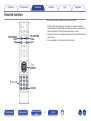
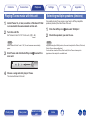
Favorite function
Registering stations or files to the favorites list
Calling stations or files from the favorites list
Deleting stations or files from the favorite list
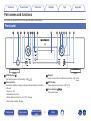
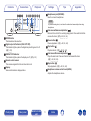
Front panel
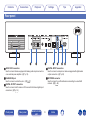
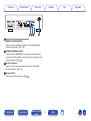
Rear panel
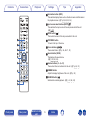
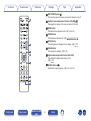
Remote control
unit
Tips
Appendix
Playing back an iPod
Playing an iPod
Performing repeat playback
Performing random playback
Disconnecting the iPod
Charging the iPod
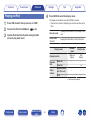
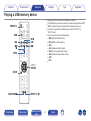
Playing a USB memory device
Playing files stored on USB memory devices
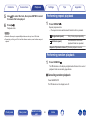
Performing repeat playback
Performing random playback
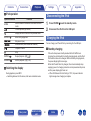
Removing the USB memory device
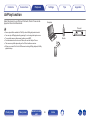
AirPlay function
Playing iPhone, iPod touch music with this unit
Playing iTunes music with this unit
Selecting multiple speakers (devices)
Perform iTunes playback operations with the remote control unit
of this unit
Remote play function
Settings required for each device
Web control function
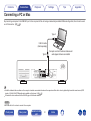
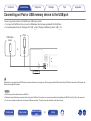
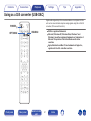
Using as a D/A converter (USB-DAC)
Connecting and playing back from a computer (USB-DAC)
Connect and playback from a digital device (Coaxial/Optical)
31
31
32
33
33
33
34
35
37
38
39
40
41
41
43
43
44
45
45
46
3
Index
47
48
49
49
50
50
51
52
53
53
53
55
56
57
57
58
59
60
62
67
68
76