1
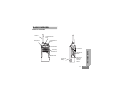
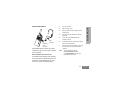
For the following explanations, refer to “Parts of
the Radio” on page 11.
TURNING RADIO ON/OFF
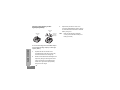
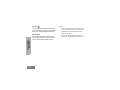
To turn ON the radio, rotate the On/Off/Volume
Knob clockwise. The radio will chirp and the
LED Indicator will briefly blink red.
SELECTING A CHANNEL
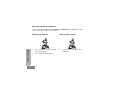
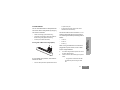
To select a channel, rotate the Channel
Selector Knob and select the desired channel
number.
GETTING STARTED
GETTING STARTED
Program each channel separately. Each
channel has its own Frequency, Interference
Eliminator Code and Scan Settings.
TALKING AND MONITORING
To turn the radio OFF, rotate the On/Off/Volume
Knob counterclockwise until you hear a ‘click’
and the radio LED Indicator turns OFF.
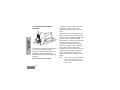
It is important to monitor for traffic before
transmitting to avoid ‘talking over’ someone
who is already transmitting
ADJUSTING VOLUME
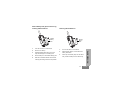
To monitor, long press and hold the SB1(*)
button to access channel traffic. If no activity is
present, you will hear ‘static’. To release, press
SB1 again. Once channel traffic has cleared,
proceed with your call by pressing the PTT
button. When transmitting, the LED Indicator
will blink red every 3 seconds.
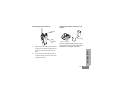
Turn the On/Off/Volume Knob clockwise to
increase the volume, or counterclockwise to
decrease the volume.
Note:
Do not hold the radio too close to the ear
when the volume is high or when adjusting
the volume
29
English