1
Getting Started
Learning the Basics
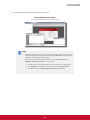
NOTE
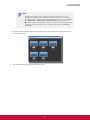
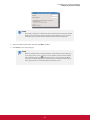
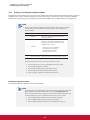
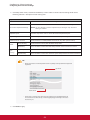
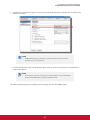
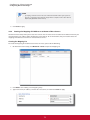
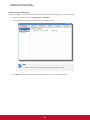
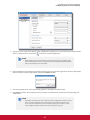
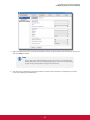
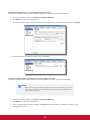
t A window might appear with a certificate message about the remote server.
Consult the IT administrator for details and ensure the connection is secure first.
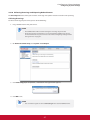
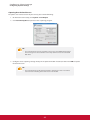
To import a security certificate, on ViewSonic Quick Connection screen, click Setup
> Applications > VMware View > Import Certificate, and then follow the
on-screen instructions (for details, please refer to section “4.6.10 Importing Security
Certificates of View Connection Servers” on page 118). To bypass, click Connect
Insecurely.
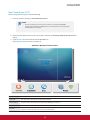
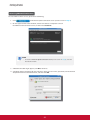
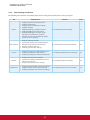
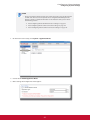
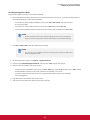
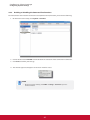
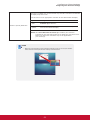
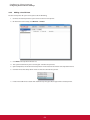
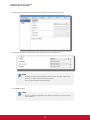
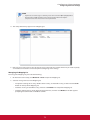
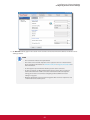
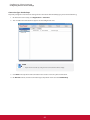
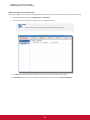
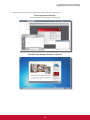
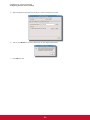
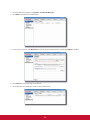
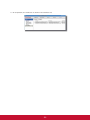
5. A window appears with available desktops for the provided credentials. Double click to select
the desired desktop.
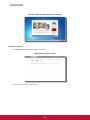
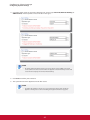
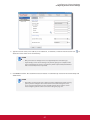
6. The virtual desktop will be displayed on the screen.
27