1
Section 3 - Getting Started
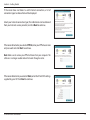
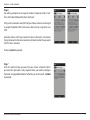
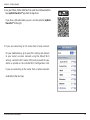
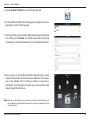
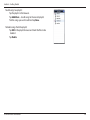
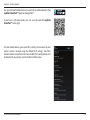
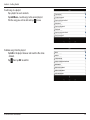
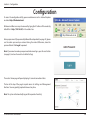
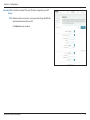
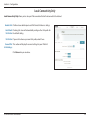
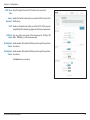
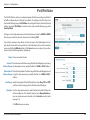
If you are directly connected to the DIR-880L’s wireless network,
tap Local Access and enter the Admin Password of your router, then
tap Log In.
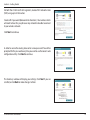
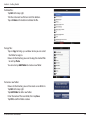
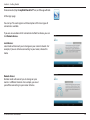
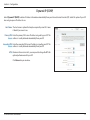
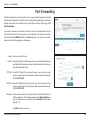
If you are connecting through the Internet tap Remote Access
and enter your mydlink login information, then tap Log In. Tap on
your router on the devices page that appears. You can now share
your files.
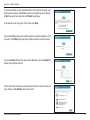
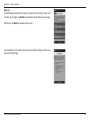
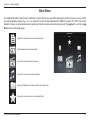
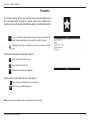
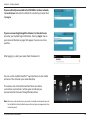
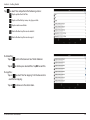
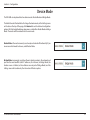
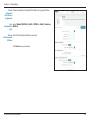
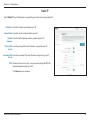
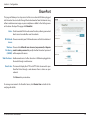
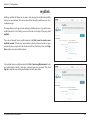
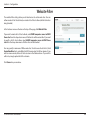
After logging in, select your router from the device list.
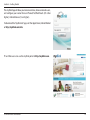
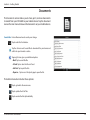
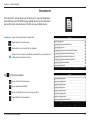
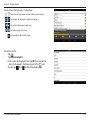
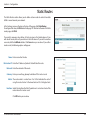
You can use the mydlink SharePort™ app interface to stream media
and access files stored on your removable drive.
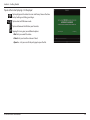
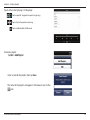
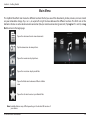
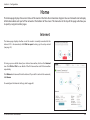
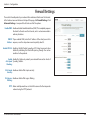
The wireless icon at the bottom will be lit blue to indicate
a Local Access connection. It will be green to indicate you
are connected to the router through Remote Access.
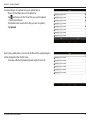
Note: If you see a red wireless icon, your router’s network environment may not
be suitable for a direct network connection and you may experience slow
network speeds.
D-Link DIR-880L User Manual
44