1
Section 3 - Getting Started
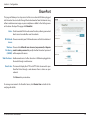
mydlink SharePort
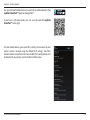
Using the mydlink SharePort™ app for iPad®, iPhone®, and iPod Touch®
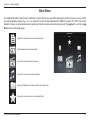
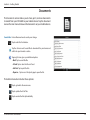
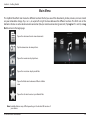
The mydlink SharePort™ app is a streamlined mobile application that allows you to conveniently stream media and share files
stored on a removable storage connected to your router. Once the router is set up, you can start the app and easily connect
from a local network or through the Internet to access your photos, videos, music, and documents. It allows you to create your
own personal cloud storage. You can upload files and photos from your mobile device to the removable storage via the app
from anywhere in the world!
Note: In order to ensure smooth streaming performance, you will need a minimum of 2 Mbit/s upload bandwidth for your router’s Internet
connection. Streaming performance will vary depending on the quality of your Internet connection.
Note: If you choose to skip the mydlink SharePort registration during the initial setup of your DIR-880L, you may begin the registration process
anytime by accessing the mydlink SharePort feature from within the router configuration. Please see page 95 for details on how to begin the
mydlink shareport registration process.
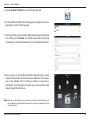
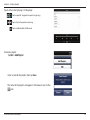
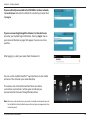
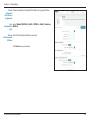
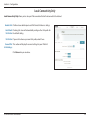
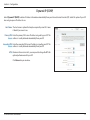
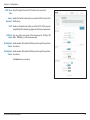
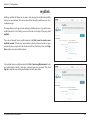
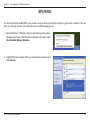
1.If you are connecting remotely through the mydlink SharePort™
app from the Internet, you will need a mydlink account.
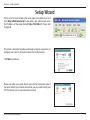
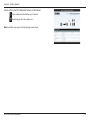
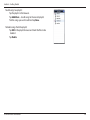
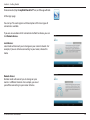
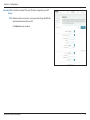
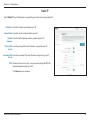
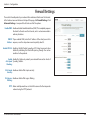
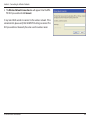
2.Make sure the device is powered on. Then plug your USB drive into
the USB port of the device.
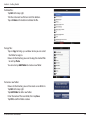
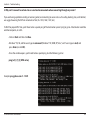
Note: If you connect a removable storage with many files or a large capacity, it
may take a while for the router to scan and catalog your files.
D-Link DIR-880L User Manual
USB drive
24