1
OWC Multi-Mount
Chapter 6 - Bracket Installation
6 OWC MULTI-MOUNT INSTALLATION
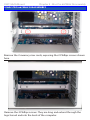
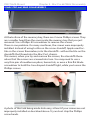
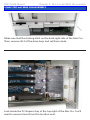
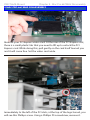
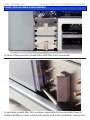
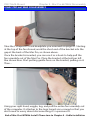
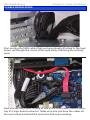
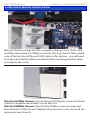
Set the optical drive assembly into the optical drive bay, there are 2
screws that line up onto a track in the bottom of the bay. Carefully route
the cabling so that it’s not pinched or disconnected when fitting the carrier into the optical bay.
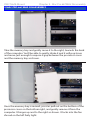
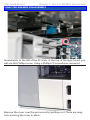
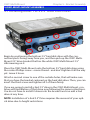
Fully insert it so that it’s flush into the computer again. The above picture is with 2 optical drives installed; the procedure is identical for 1, 2,
or 3 drives being installed into the optical bay.