1
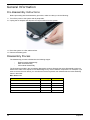
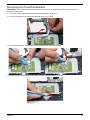
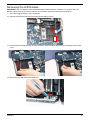
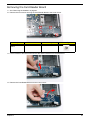
Removing the Card Reader Board
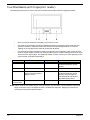
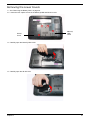
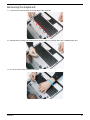
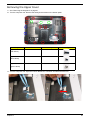
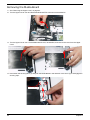
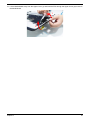
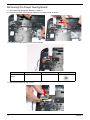
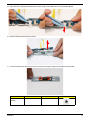
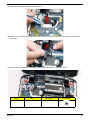
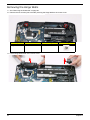
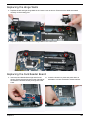
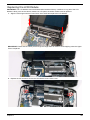
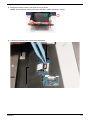
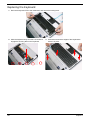
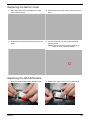
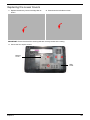
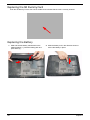
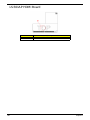
1. See “Removing the Saddles” on page 87.
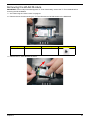
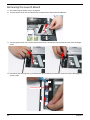
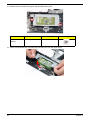
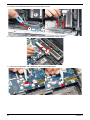
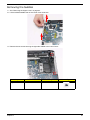
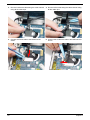
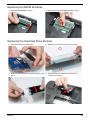
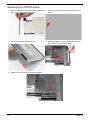
2. Remove the four screws securing the Card Reader Board to the Lower Cover.
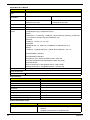
Step
Card Reader
Board
Size
M2.5*3
Quantity
Screw Type
4
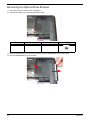
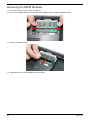
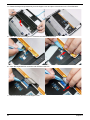
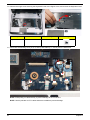
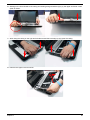
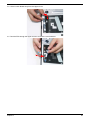
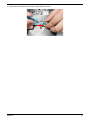
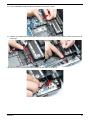
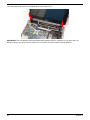
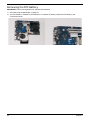
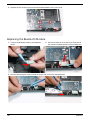
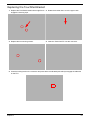
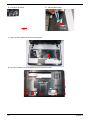
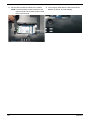
3. Lift the left side of the board to disconnect the reader interface from the Mainboard.
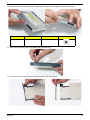
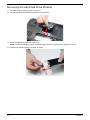
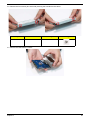
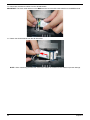
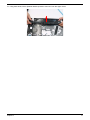
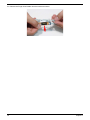
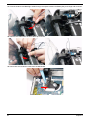
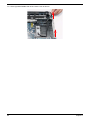
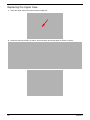
4. Remove the Card Reader Board from the Lower Cover.
Chapter 3
93