1
1. Connection to the network
1.9 Profile data (continued)
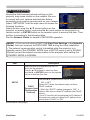
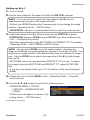
1.9.3 Editing Profile data
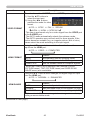
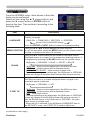
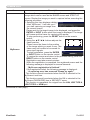
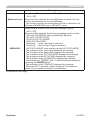
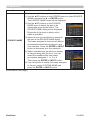
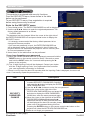
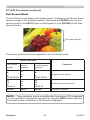
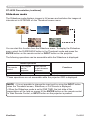
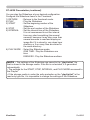
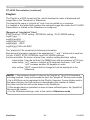
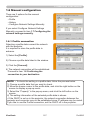
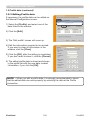
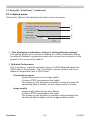
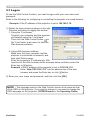
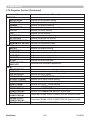
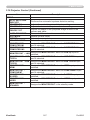
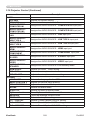
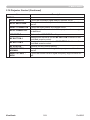
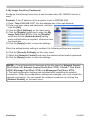
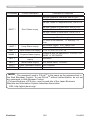
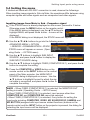
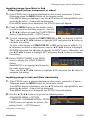
If necessary, the profile data can be edited on
the Manual Configuration screen.
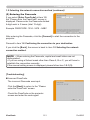
1) Select the [Profile], and select one of the
data listed in the window.
2) Click the [Edit].
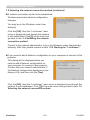
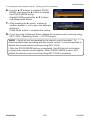
3) The “Edit profile” screen will come up.
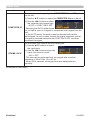
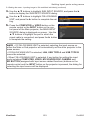
4) Edit the information required to be revised.
If you want to clear all information in the
window, click the [Clear].
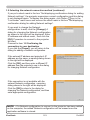
5) Click the [OK], after the editing is completed.
If you don’t want to store it, click the [Cancel].
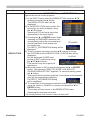
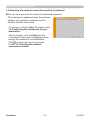
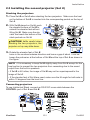
6) The edited profile data is stored and shown
in the profile list with the new date created
information, if you click the [OK].
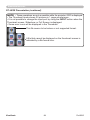
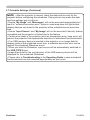
NOTE • When you edit a profile data, it is strongly recommended to check
that the edited data can work properly by selecting the data at the Profile
connection.
ViewSonic
138
Pro9500